Tax Software


If you only handled simple client follow-ups, a general CRM might be fine.
But tax resolution is different. One missed deadline, one misplaced transcript, or one unclear handoff can turn into a very real client problem and a very real reputational problem for your firm.
That is why the question is not “Do we need a CRM?” It is: do we need a system that can run IRS cases end-to-end, not just track leads?
A tax firm can use a CRM for two very different outcomes:
General CRMs were built for the first outcome. Tax resolution CRMs are built for both.
If your firm does any meaningful volume of collections, audits, appeals, penalty abatements, installment agreements, or Offers in Compromise, you are not managing “deals.” You are managing a high-stakes case lifecycle with many dependencies.
General CRM platforms are excellent at:
That is why many tax firms start with general CRMs. Some even tailor them for tax season workflows, using boards, templates, and automation to manage repetitive steps at scale.
If your biggest pain is lead response time, consultation scheduling, and visibility into your sales process, a general CRM can be a strong first step.
Here are the cracks, especially as your case volume grows.
Tax resolution requires a case view that includes:
General CRMs can be customized, but you usually end up building a patchwork of custom fields and manual checklists that live outside the case itself.
In tax resolution, Form 2848 and Form 8821 are not paperwork; they are the gateway to everything. The IRS also supports online submission for these authorizations, and firms need a clean workflow around collecting signatures, submitting, tracking status, and storing proof.
Most general CRMs do not include that process by default.
Resolution work runs on transcript data and notice activity. Modern resolution platforms often emphasize transcript handling and IRS integration because they speed up how quickly you can evaluate and move a case.
In a general CRM, transcripts often become scattered attachments with no structured way to drive tasks, alerts, or next steps.
Resolution billing is rarely a simple invoice at the end.
You need to tie revenue to milestones, retainers, payment plans, and internal accountability. When billing and case progress are disconnected, you lose clarity on:
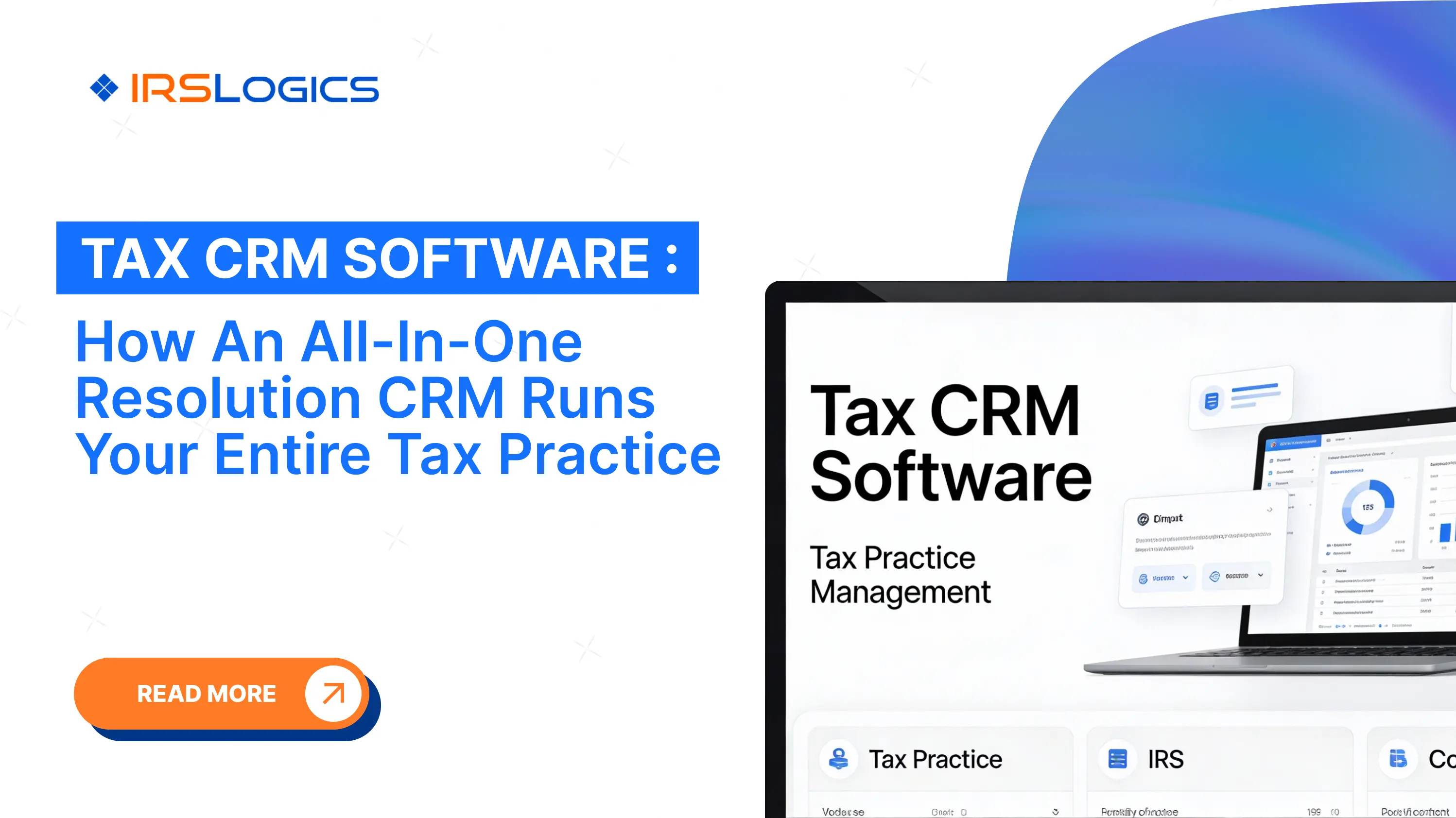
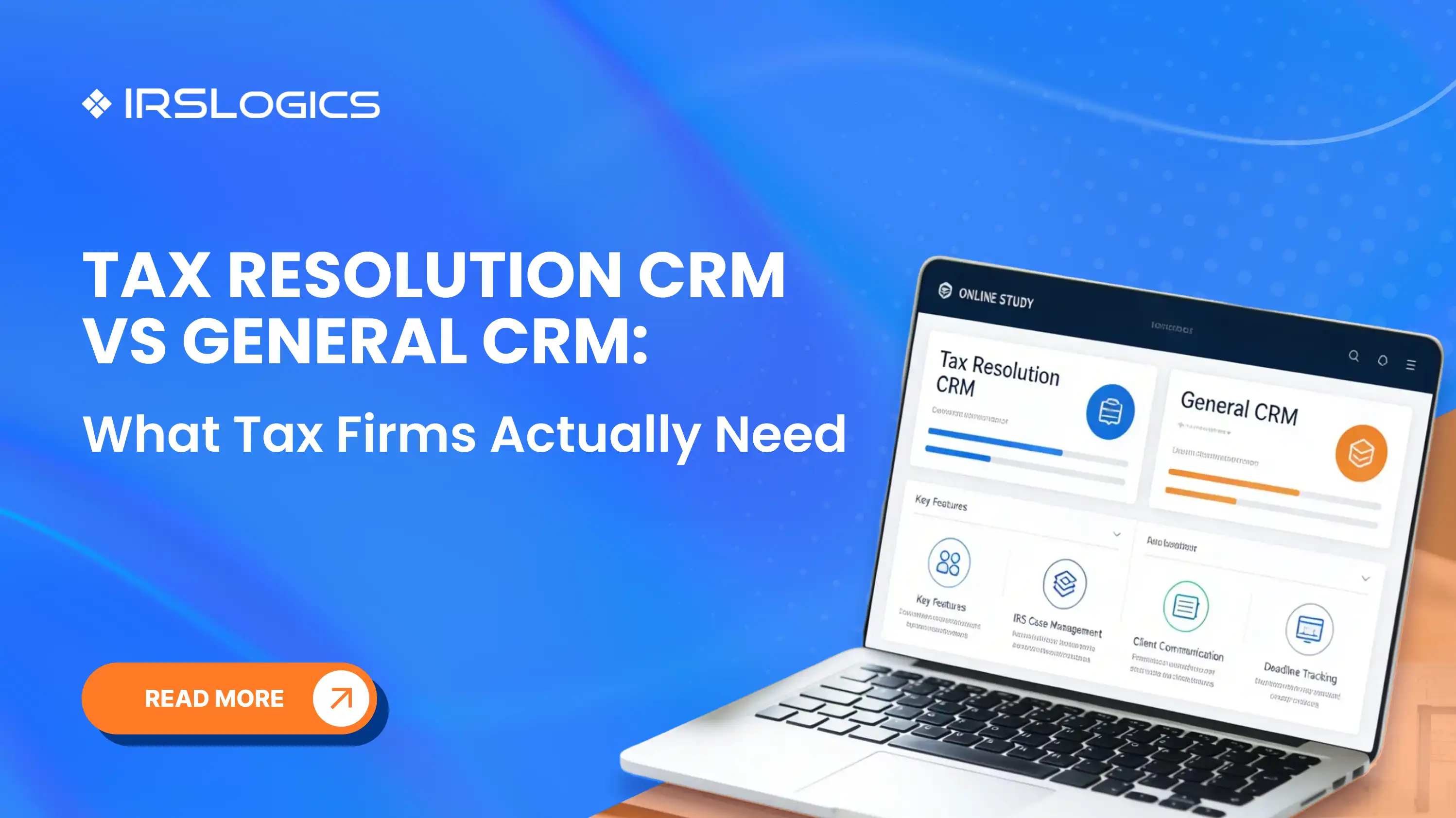
A tax resolution CRM is a platform designed to run the full resolution operation, not just the sales pipeline. In practice, that usually means combining CRM, case management, workflow automation, client collaboration, forms, billing, and reporting into a single system.
This is also why tax resolution CRMs often replace multiple tools at once, such as spreadsheets for case tracking, separate portals for document collection, and separate billing systems.
Below is the real checklist. If a tool cannot do these well, your team will feel it within weeks.
Look for:
IRSLogics positions this as case and workflow management that runs from lead creation through final resolution in one platform.
At a minimum, your system should support:
Why it matters: your case cannot move until authorizations and core forms are handled correctly, and the IRS process itself can create delays you need to manage proactively.
A tax resolution CRM should help you:
Some tax platforms highlight transcript automation and integration because it turns transcript work into a repeatable workflow instead of manual admin.
Resolution firms win or lose time based on how fast they can collect documents and signatures.
Look for:
IRSLogics highlights a client portal and collaboration layer designed for secure document sharing and updates.
Your system should support:
IRSLogics has billing and finance features alongside workflow and forms automation.
You need reporting that answers operational questions like:
General CRMs can report sales metrics. Resolution CRMs should report delivery metrics.
Tax resolution work includes sensitive identity and financial data, so make sure you have:
IRSLogics explicitly points to encryption and access controls as part of its security posture.
A general CRM might be enough if:
It becomes a risk when:
At that point, “we can customize it” usually turns into “we are maintaining it,” and the operational overhead keeps growing.
Use this in every demo, and ask the vendor to show it live.
IRSLogics is positioned as a tax resolution CRM built to run the full operation, including case workflows, a client portal, billing, reporting, and resolution-specific capabilities such as transcript pulls and form automation.
If your firm is trying to reduce tool sprawl, tighten case execution, and scale resolution work without losing control, that “single platform” approach is typically what teams are looking for.
It is a CRM built specifically for IRS case work, combining lead management with case workflows, forms, transcripts, client collaboration, billing, and reporting in one system.
It can work for lead tracking, but firms typically struggle when they try to force IRS case delivery into a sales-focused structure. The more resolution volume you have, the more you feel the gaps.
No. Tax prep software handles return preparation and e-filing. A tax resolution CRM handles what happens after filing, including notices, outstanding balances, collections activity, and case management workflows.
They control authorization. Without them, you cannot reliably access information or act on behalf of the client, and submission tracking becomes part of delivery management.
Start with case workflows, forms, and authorization handling, transcript workflow, a client portal, and billing tied to the case. Everything else becomes easier once those are solid.
Migrate in phases: clean your data, define your workflows, pilot with a small team, then expand. The biggest predictor of success is training your team on one consistent daily workflow.
A general CRM can help you sell tax resolution services. But it usually cannot help you deliver tax resolution services cleanly, consistently, and at scale.
If your firm wants fewer dropped handoffs, faster case movement, and better visibility into what is happening across every client and every IRS case, you want a tax resolution CRM that was built for that exact job.
All
Tax Software
Workflow & Automation
Industry News
Resolution Tips
Tax Resolution Marketing

Lorem ipsum dolor sit amet, consectetur adipiscing elit. Suspendisse varius enim in eros elementum tristique. Duis cursus, mi quis viverra ornare, eros dolor interdum nulla, ut commodo diam libero vitae erat. Aenean faucibus nibh et justo cursus id rutrum lorem imperdiet. Nunc ut sem vitae risus tristique posuere.


Share this article directly by email. Simply enter the recipient’s details below.

Article has been send to you.