Tax Software


If appointments live in two places, something eventually gets missed.
A client books time, the team assumes it is handled, and then the meeting is sitting in the one calendar nobody checked that morning. That is how double bookings happen, how no-shows start, and how firms lose time on scheduling instead of moving cases forward.
IRSLogics helps clean this up by letting clients book appointments through the client portal and by offering calendar integration, so those booked appointments are also visible in Google Calendar for easier day-to-day management.
Scheduling sounds simple until the real world shows up.
Tax resolution firms usually juggle:
Add multiple team members working on the same case, reschedules, and clients replying at odd hours, and the calendar can drift out of sync with reality.
When scheduling is not centralized, common problems follow:
This is why modern scheduling tools lean on a simple idea: let clients book directly, then make sure the booking lands on the calendar the team actually uses.
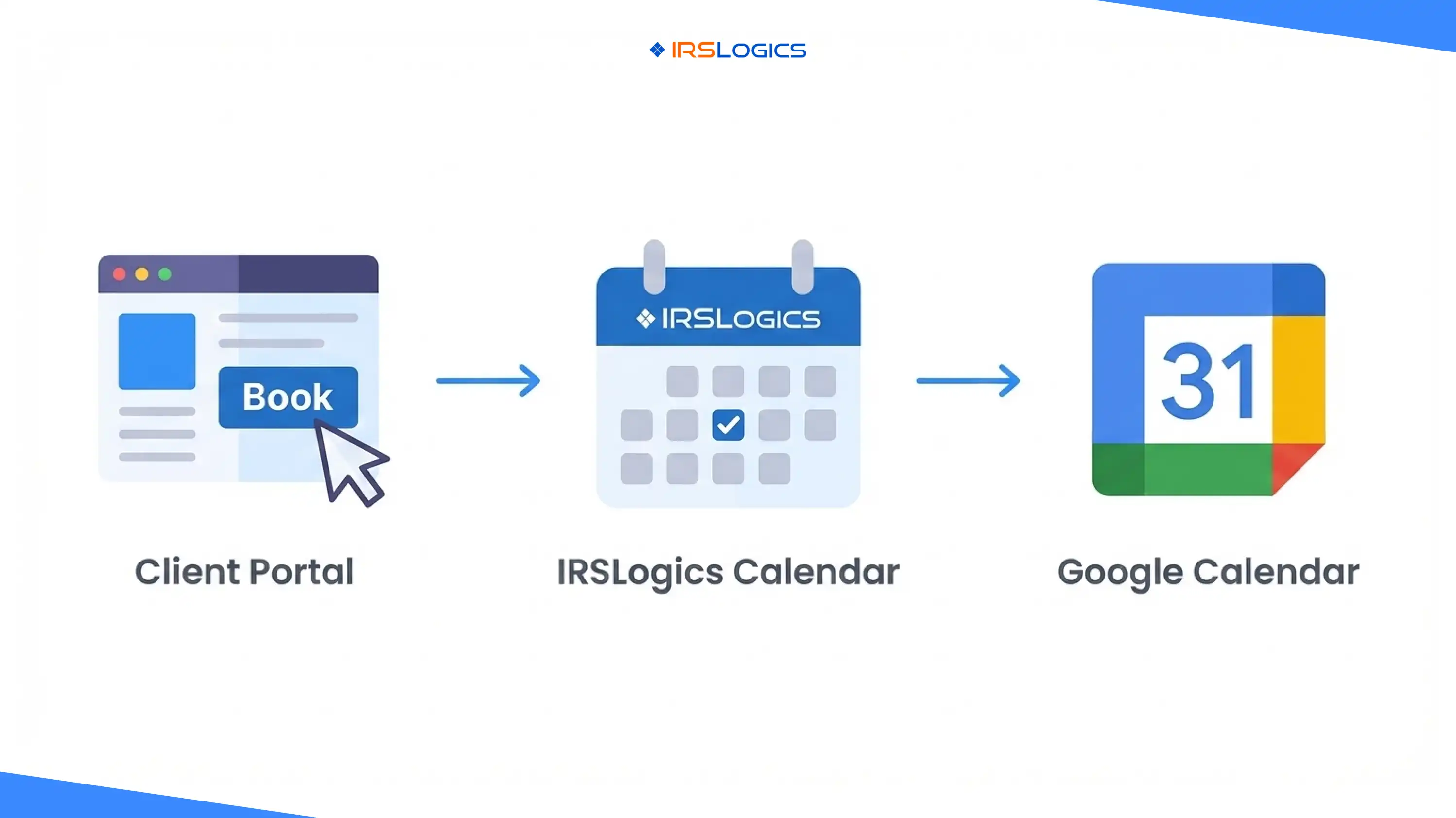
This feature connects three practical steps into one clean loop:
The outcome is straightforward. Appointments booked through the IRSLogics flow are easier to manage because they can also be visible in the team's day-planning tools, such as Google Calendar, when configured with common calendar methods.
Clients do not love scheduling back-and-forth. They want a clear time slot, a clear confirmation, and a clear next step.
That is why appointment booking inside a client portal matters. It puts scheduling in the same place clients already go for progress updates, documents, and communication.
The Logics Client Portal app listings explicitly position Appointment Booking as a way to schedule appointments and keep calendars organized.
For a tax resolution firm, that experience tends to reduce friction in three moments:
IRSLogics describes calendar integration as a way to view the IRSLogics calendar in other calendar applications.
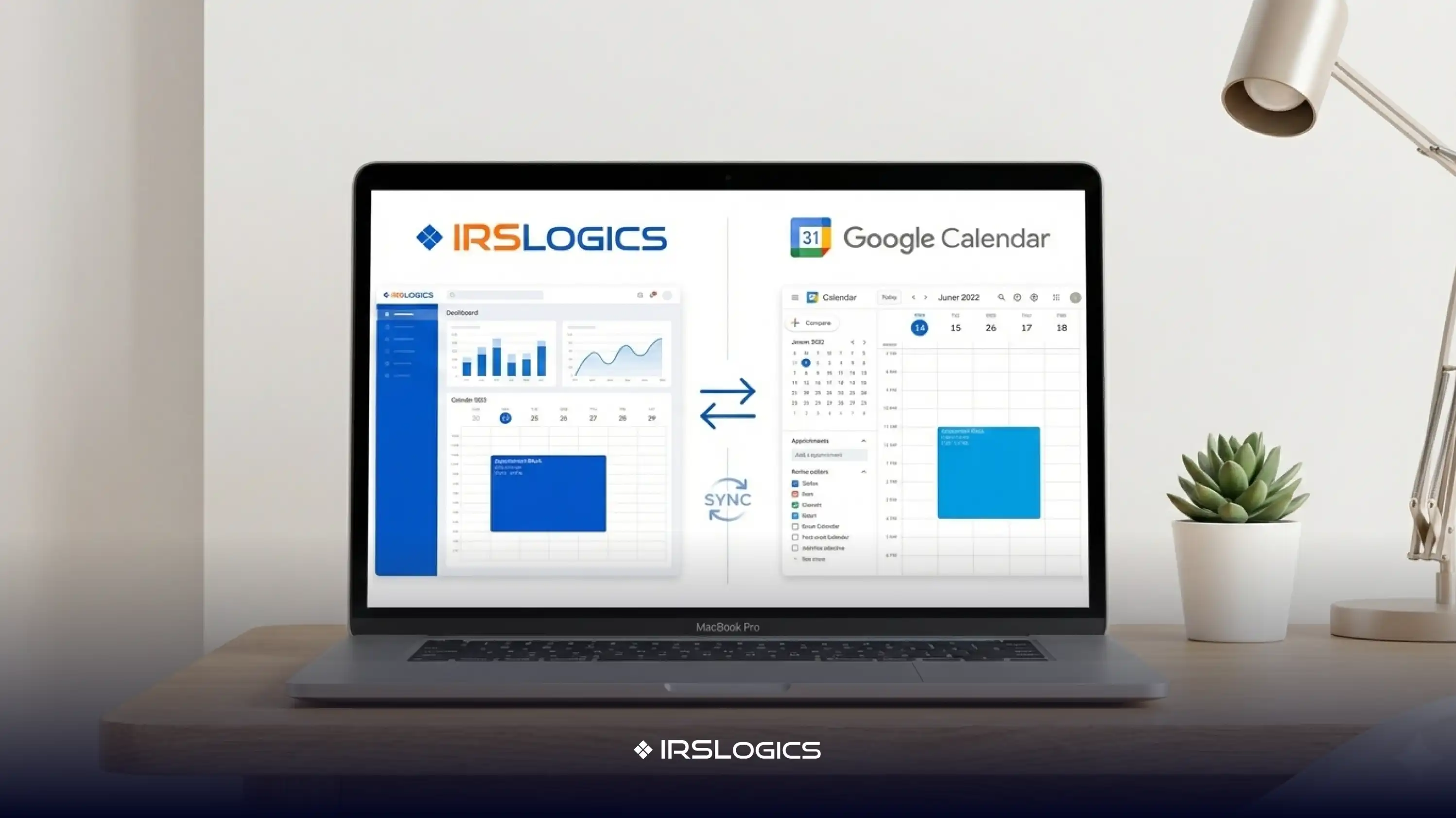
In plain terms, this typically means IRSLogics acts as the source calendar, and another calendar app displays it.
Why this helps in daily operations:
Not every calendar integration is the same, and setting expectations prevents confusion.
A useful way to think about it:
IRSLogics support content focuses on viewing the Logics calendar in other applications, which strongly aligns with the one-way visibility benefit.
This is still a major win for appointment management, because visibility is the main reason teams want Google Calendar involved.
Google Calendar supports bringing in calendar information using standard iCalendar formats.
Two common approaches are:
If IRSLogics provides a calendar feed link, it can often be added to Google Calendar by URL. A government-published guide shows the Google Calendar flow using “Add by URL” for an ICS calendar link.
This approach is usually best when the goal is ongoing visibility, because the calendar stays connected.
If the workflow involves exporting an ICS file and importing it, Google provides instructions for importing calendar events into Google Calendar.
This approach is typically better for one-time imports or migrations.
Where IRSLogics fits:
Calendar sync gives visibility. These practices keep it clean as volume grows.
Instead of a generic “Meeting,” use consistent categories:
This makes the calendar easy to read at a glance and helps the team properly prep.
Tax resolution calls often run long. A 10-minute buffer prevents a late-start cascade and reduces reschedule messages.
Calendar entries are visible in more places than firms expect. A safe pattern:
Client Name, Appointment Type.
Skip sensitive identifiers and detailed tax issues in the event title.
One short line reduces follow-up texting and email:
“Please have the latest IRS notice and last two pay stubs available.”
Clients show up better prepared, and calls stay focused.
If multiple staff members can see the same appointments, decide who owns the follow-up. A simple rule works:
Calendar convenience should not come at the cost of client trust.
A few practical safeguards:
IRSLogics states that its industry-leading encryption and access controls protect client data, supporting a workflow in which sensitive case details remain on the platform while the calendar focuses on time and logistics.
The Logics Client Portal app listings include Appointment Booking as a feature.
IRSLogics describes calendar integration that lets users view the Logics calendar in other calendar applications.
Google Calendar supports adding calendars by URL and importing iCalendar files, which are common ways to display external calendars.
This depends on the integration method. IRSLogics support documentation emphasizes viewing the Logics calendar in other apps, which typically maps to visibility rather than full two-way editing.
Fewer missed meetings and fewer scheduling mistakes, because appointments booked through the portal are easier to see in the calendar the team uses daily.
Scheduling gets hard when appointments are spread across multiple locations.
Linking Google Calendar with the IRSLogics client portal booking solves a simple operational issue: visibility. Clients book appointments through the portal experience; the appointments live in IRSLogics, and calendar integration allows them to be viewed in other calendar applications, including Google Calendar, when configured using standard iCalendar methods.
Main Key Takeaways
All
Tax Software
Workflow & Automation
Industry News
Resolution Tips
Tax Resolution Marketing

Lorem ipsum dolor sit amet, consectetur adipiscing elit. Suspendisse varius enim in eros elementum tristique. Duis cursus, mi quis viverra ornare, eros dolor interdum nulla, ut commodo diam libero vitae erat. Aenean faucibus nibh et justo cursus id rutrum lorem imperdiet. Nunc ut sem vitae risus tristique posuere.


Share this article directly by email. Simply enter the recipient’s details below.

Article has been send to you.