Tax Software


Your client said they owe "about ten thousand."
The transcript said thirty-one thousand.
Plus a return the IRS filed on their behalf. Nobody mentioned that part.
Spoiler alert: this is why every irs transcript tax professional pulls the file before the first call. This guide shows how to pull, read and use transcript data, so your case starts on facts and not vibes.
Quick answer: an IRS account transcript shows what the IRS says is owed, which years are open and what collection is active. Pull it first, read the codes, then build your strategy.
Let me paint the intake call.
The client sounds calm. A little too calm.
"It's not that bad. Maybe ten thousand."
You pull the transcript. Three years of balances. Penalties stacking up. An unfiled year hiding right in the middle.
That gap between what clients remember and what the IRS recorded is exactly what IRS transcripts for tax professionals close.
Before you speak to the IRS, a solid irs transcript tax professional workflow answers four things:
No transcript, no strategy. I wish it were more dramatic. It isn't.
Not every transcript carries equal weight. Think of it like a cast. Some are the leads. Some are quiet supporting actors who save the whole plot.
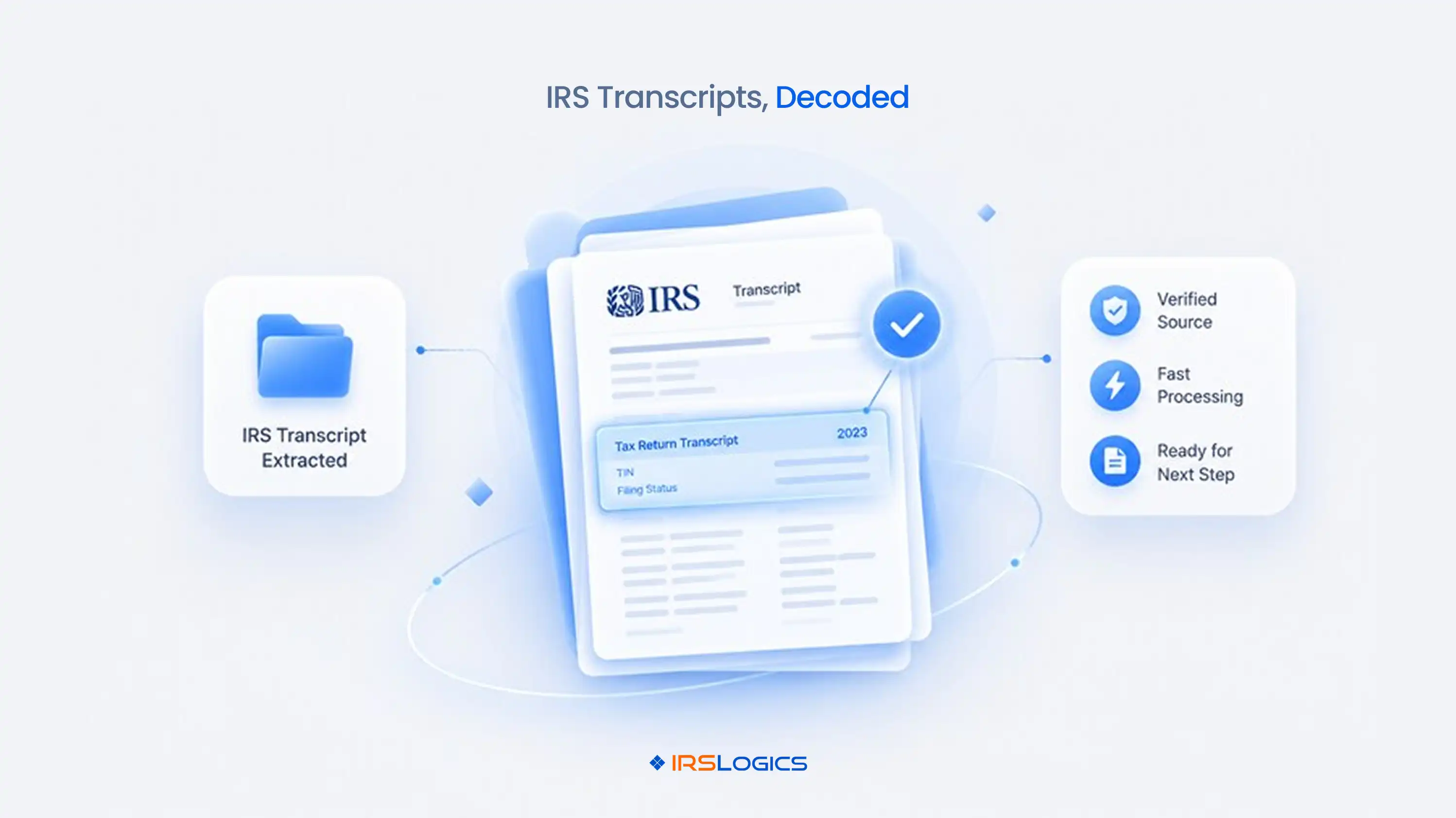
The IRS account transcript is the lead. It tells the story year by year: what was assessed, what was paid and what happened next. Every irs transcript tax professional I know basically lives inside this document.
The wage and income transcript is the quiet hero. Unfiled years usually get rebuilt from it. Trust me, you will thank it later.
Short version: authorization comes first. No exceptions, even for the most polite irs transcript tax professional.
IRS transcript access for tax professionals runs on a signed Form 2848 for representation or a Form 8821 for information access. Then the request goes through the IRS Transcript Delivery System.
Here is where firms quietly bleed time:
IRS transcript access for tax professionals should not need three tools and a good memory. Inside purpose-built software, the request starts from the client case and gets logged automatically. Our walkthrough on IRS transcripts in tax resolution covers the full flow.
Pulled in minutes. Logged on its own. Less chasing.
Tax transcript analysis is reading the codes, not just the balance. The balance is the headline. The codes are the plot.
On every IRS account transcript, a sharp analyst checks:
Then comes the date that changes everything. The collection statute expiration date (CSED) is generally ten years from assessment, adjusted for tolling events. Get it wrong and you might fight for a settlement that time would have handled for free.
Good tax transcript analysis also means reading years side by side. One year looks small. Five years together look like a completely different movie. Every irs transcript tax professional learns to zoom out.
Even experienced teams do these:
The hidden cost is rework. Someone re-pulls, re-reads and re-explains, because the first read lived in one person's head.
Honestly, every irs transcript tax professional has been that person at 9 pm. It is a process problem, not a talent problem.
The transcript is the diagnosis. Now comes the treatment plan.
An IRS account transcript points to a realistic path:
Next comes financials. Clients send these late, in pieces, sometimes as phone photos. A financial intake checklist keeps requests organized. A built-in financial questionnaire goes further. The client fills it in, you approve it and the data pre-fills your IRS financial forms. No re-keying.
For a look at how the IRS lays out account data, read Understanding Your IRS Account Transcript.
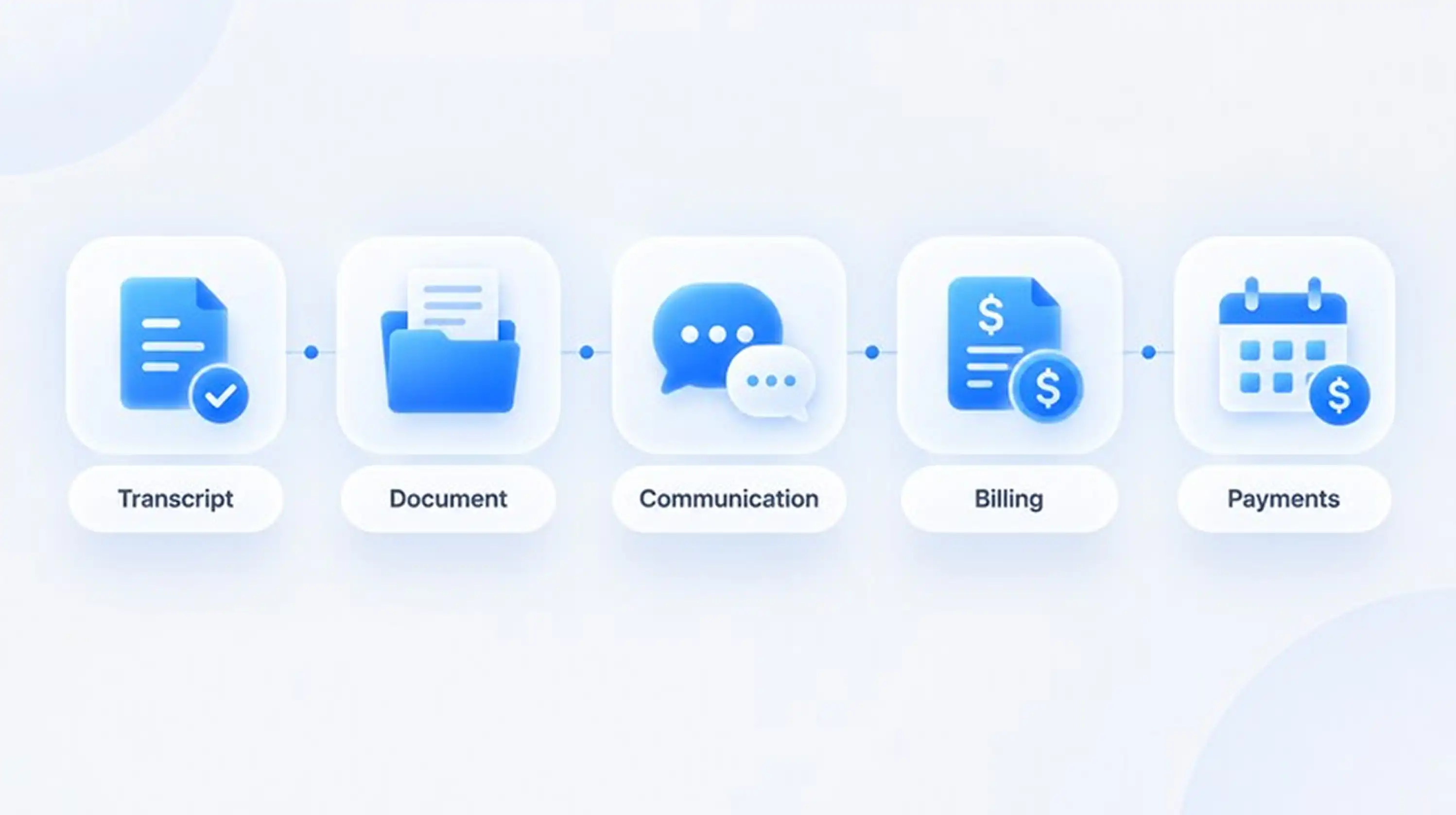
That is the full chain: transcript, analysis, financials, forms, strategy. Skip one link and the case wobbles. So if you are shopping for tools, ask one question. Can an irs transcript tax professional run this whole chain in one place?
Here is the honest comparison any irs transcript tax professional should run before choosing a tool.
Comparing platforms? Start with our tax settlement software breakdown and check pricing before the demo. Role matters too, so see how it fits tax attorneys.
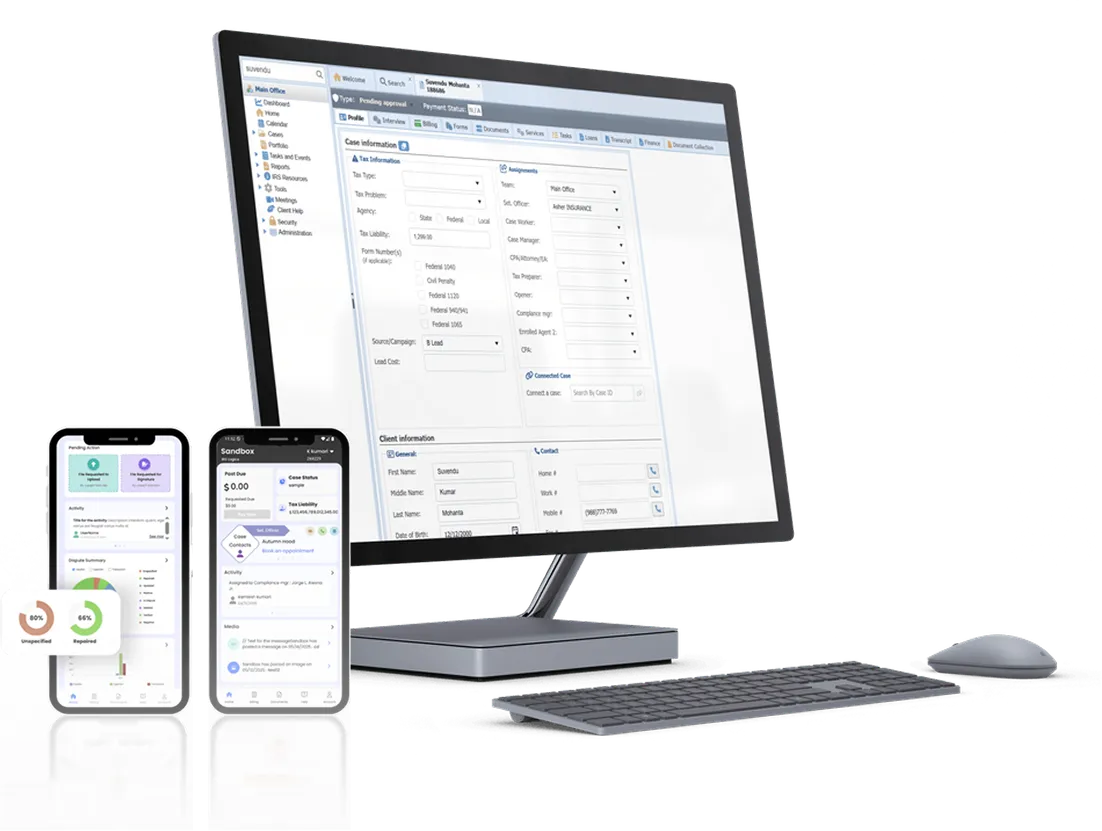
IRSLogics is tax resolution software built for one job: running resolution cases from intake to closure. For an irs transcript tax professional, that means requesting transcripts from the client case, not from a separate portal and a spreadsheet.
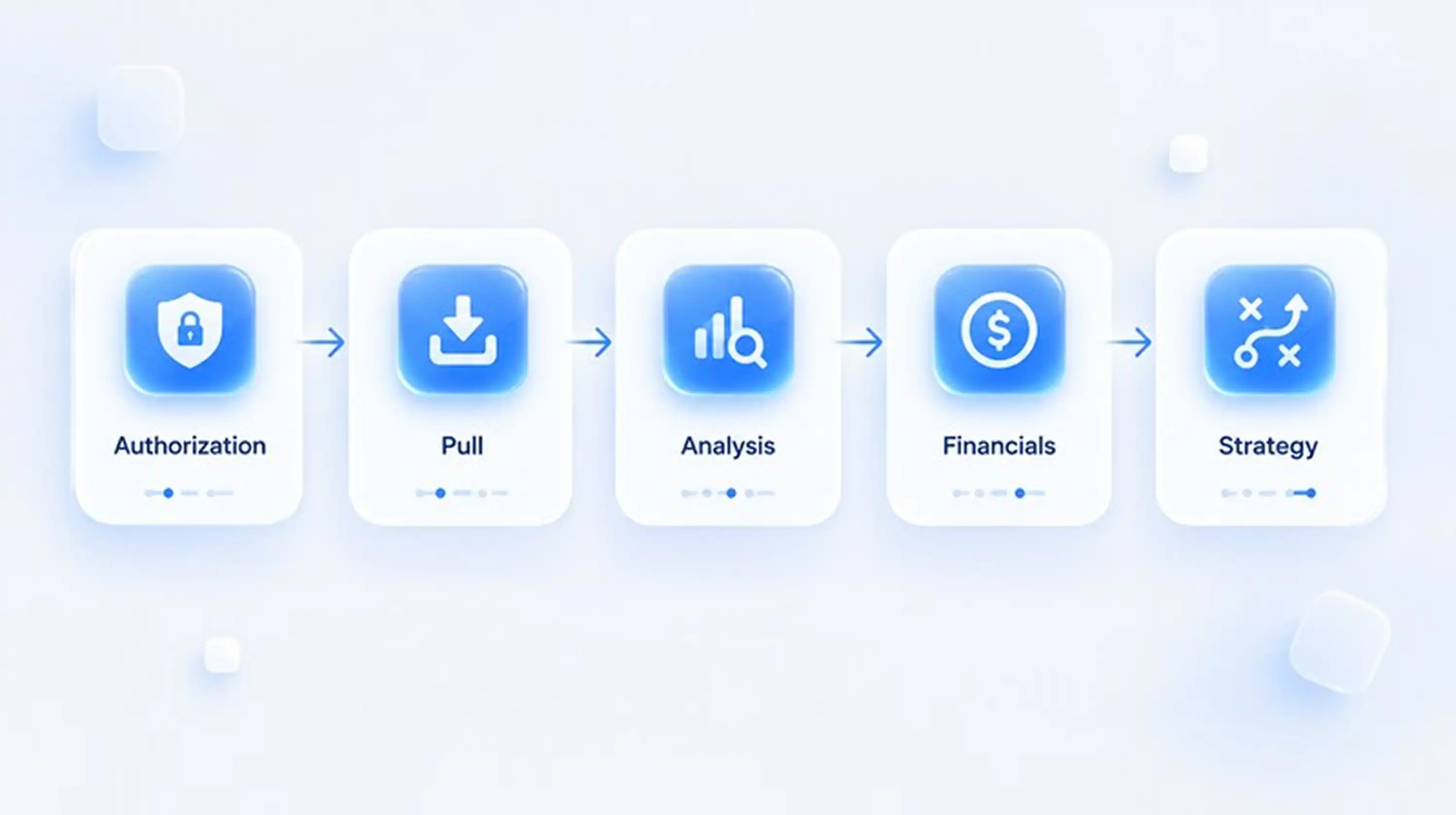
Here is what that looks like on a normal Tuesday. A new lead signs. The Document Collection Tab tracks what the client still owes you, so onboarding stops stalling. Transcripts are retrieved in minutes, and Transcript Logs show every request and its status. The Financial Questionnaire feeds your IRS financial forms, and all state and federal forms are already built in. Case Activities records every action, so nothing goes unnoticed. See the full flow on our Document Collection Tab and tax representation software pages.
For teams, it means fewer tools, fewer handoffs and fewer "who pulled that?" moments. Every irs transcript tax professional on your team works from the same record. IRS Logics has served tax resolution professionals for over a decade. Less admin. More resolutions.
With proper authorization, a professional can pull account, wage and income, and non-filing data across multiple years. Clients usually see far less, which is why intake balances are often wrong.
It shows assessments, payments, penalties, interest and collection codes by year. It also supports CSED review and helps decide which resolution path fits.
Get a signed Form 2848 or Form 8821 on file, then request through the IRS Transcript Delivery System. Platforms like IRS Logics start the request from the case record.
At intake, before filing any resolution request and whenever a case sits for weeks. Balances and codes can change between pulls.
The wage and income transcript and verification of non-filing. Together they help you rebuild income and confirm what the IRS has on file.
Findings stay in the case record, so the whole team sees them. Nothing lives in personal notes or old folders.
Transcripts are where resolution cases are won or quietly lost. A strong irs transcript tax professional workflow pulls early, reads the codes, rechecks often and keeps everything in one record. The rest follows.
Want to see it live? Click here to get a quote or call us at +1 (866) 386-2444.
P.S. What is the strangest thing you have found on a client transcript?
Book a demo and see how IRS Logics handles transcripts, from request to resolution.
All
Tax Software
Workflow & Automation
Industry News
Resolution Tips
Tax Resolution Marketing
Lorem ipsum dolor sit amet, consectetur adipiscing elit. Suspendisse varius enim in eros elementum tristique. Duis cursus, mi quis viverra ornare, eros dolor interdum nulla, ut commodo diam libero vitae erat. Aenean faucibus nibh et justo cursus id rutrum lorem imperdiet. Nunc ut sem vitae risus tristique posuere.


Share this article directly by email. Simply enter the recipient’s details below.

Article has been send to you.