Comparison Angle


TaxDome alternatives should be compared by the work your firm needs to control, not by a generic feature tally. TaxDome is a broad accounting practice management platform, while IRSLogics is purpose-built around tax resolution case operations. Importantly, TaxDome now documents a direct IRS Transcript Delivery System integration, so an accurate comparison must go beyond the outdated claim that it cannot request transcripts. The real decision is whether your operating center should be a firm-wide practice platform, a resolution-specific case platform, or a connected combination of both.
Firms usually search for an alternative because the operating model has changed. The question is fit, not whether TaxDome is generally capable. A tax-preparation and bookkeeping practice may value one portal, reusable workflows, document management, e-signatures, billing, and broad client communication. A resolution-focused firm may need deeper control over authorizations, transcripts, notices, financial interviews, collection forms, case stages, and long-running practitioner follow-ups.
The same firm can need both views. Firm leaders want capacity, service-line performance, standardized jobs, and a consistent client experience. Resolution managers want every tax period, notice, transcript, form, strategy change, IRS contact, and next action attached to the case. The search for TaxDome alternatives becomes productive only after you decide which record should be central.
IRSLogics explains its case-centered position in the tax resolution software overview. Use that category distinction as a starting hypothesis, then verify it in both products.
TaxDome currently presents itself as practice management software for tax preparers, bookkeepers, and accountants. Its public product pages list CRM, workflow automation, documents, client portal, e-signature, communication, billing, reporting, and integrations. The TaxDome product overview describes firm management, client management, revenue operations, and client experience in one platform.
The most important correction to older comparisons concerns transcripts. TaxDome’s current help center says firms can connect directly to the IRS Transcript Delivery System, request transcripts, and save received documents to client accounts. Any page that says TaxDome has no TDS connection is now outdated.
That update does not settle the buying decision. Public documentation proves a capability exists, not that it matches your case design, analysis needs, permissions, monitoring process, or downstream forms. Firms should also review current TaxDome pricing because plans, seats, seasonal access, add-ons, and contract terms can change.
IRSLogics is positioned as the operating platform for firms that manage IRS and state resolution cases. Its differentiation is the connection between the sales pipeline and the case lifecycle. The platform’s published capabilities include lead and deal management, client records, interviews and financial questionnaires, OIC qualification workflows, federal and state forms, IRS transcripts, tasks, calendars, documents, client portal communication, billing, receivables, and reporting.
That scope matters because the resolution record begins before representation and continues after a transcript arrives. Intake information should move into the client and case without repeated entry. Authorization scope should remain visible. Transcript data should produce review work. Financial information should support the correct forms. Billing and communication should stay tied to the matter.
Review the current IRSLogics resolution CRM features, then ask the vendor to demonstrate one of your real case types. A list is useful for screening. A complete workflow is what proves operational fit.
Compare the full transcript chain rather than asking whether each platform can pull a transcript. The buying unit is request, receipt, review, action, and monitoring. The IRS TDS eligibility and authorization rules still govern access. Eligible users need the appropriate e-Services credentials, and a properly executed Form 2848 or Form 8821 must be on file.
Use this transcript-workflow test during both demos:
This test also prevents a misleading comparison. Two vendors may both show a transcript button while handling the surrounding case work very differently.
The functions most likely to separate products are the ones that require tax-specific context. Ask the vendor to show the work, not a slide about the work. Use a de-identified scenario involving multiple periods, an authorization, a notice, missing documents, current financial information, and an unresolved balance.
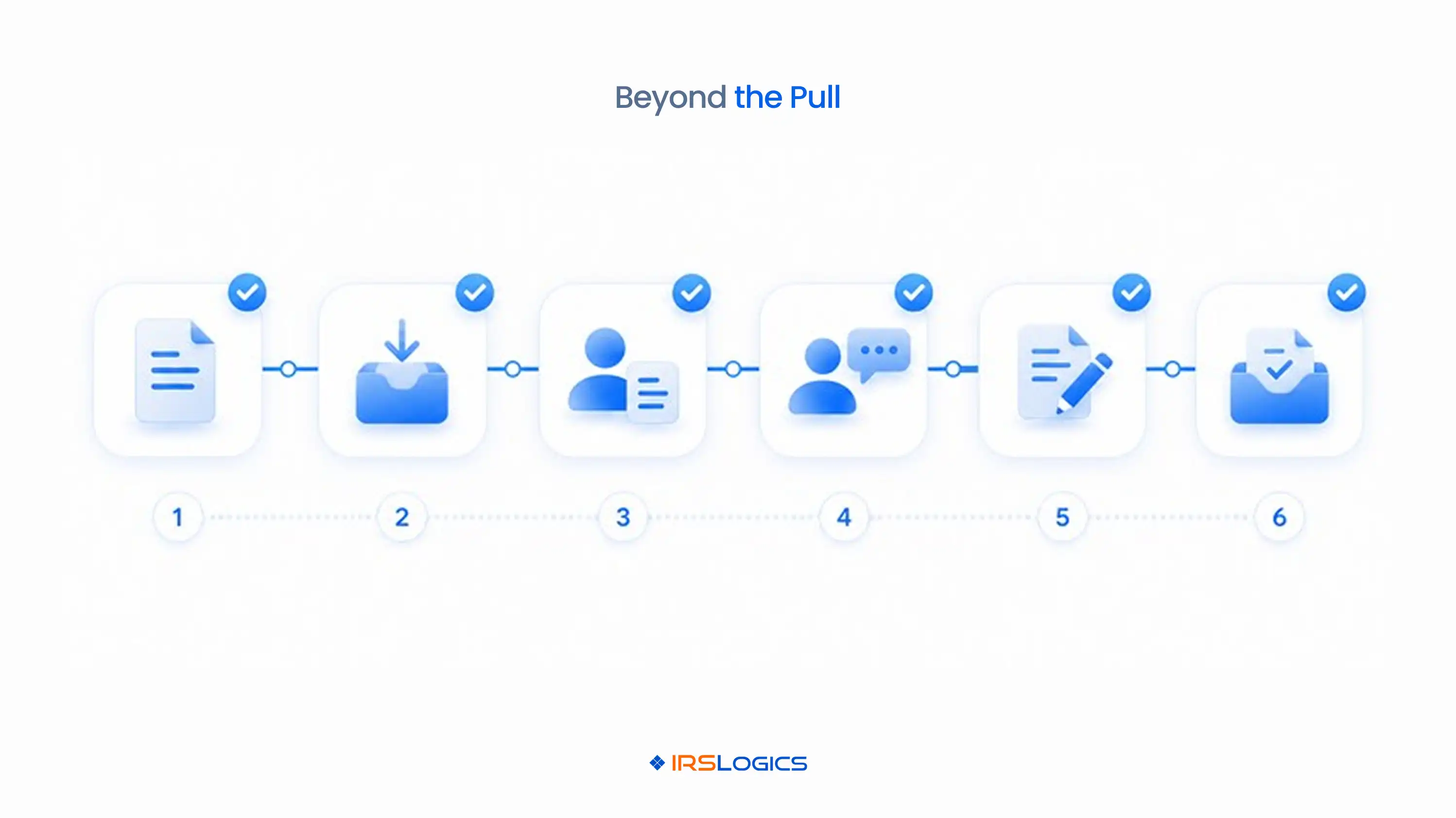
During the demo, require the presenter to:
IRSLogics’ product pricing process can then be evaluated against the users, modules, support, implementation, and integrations demonstrated.
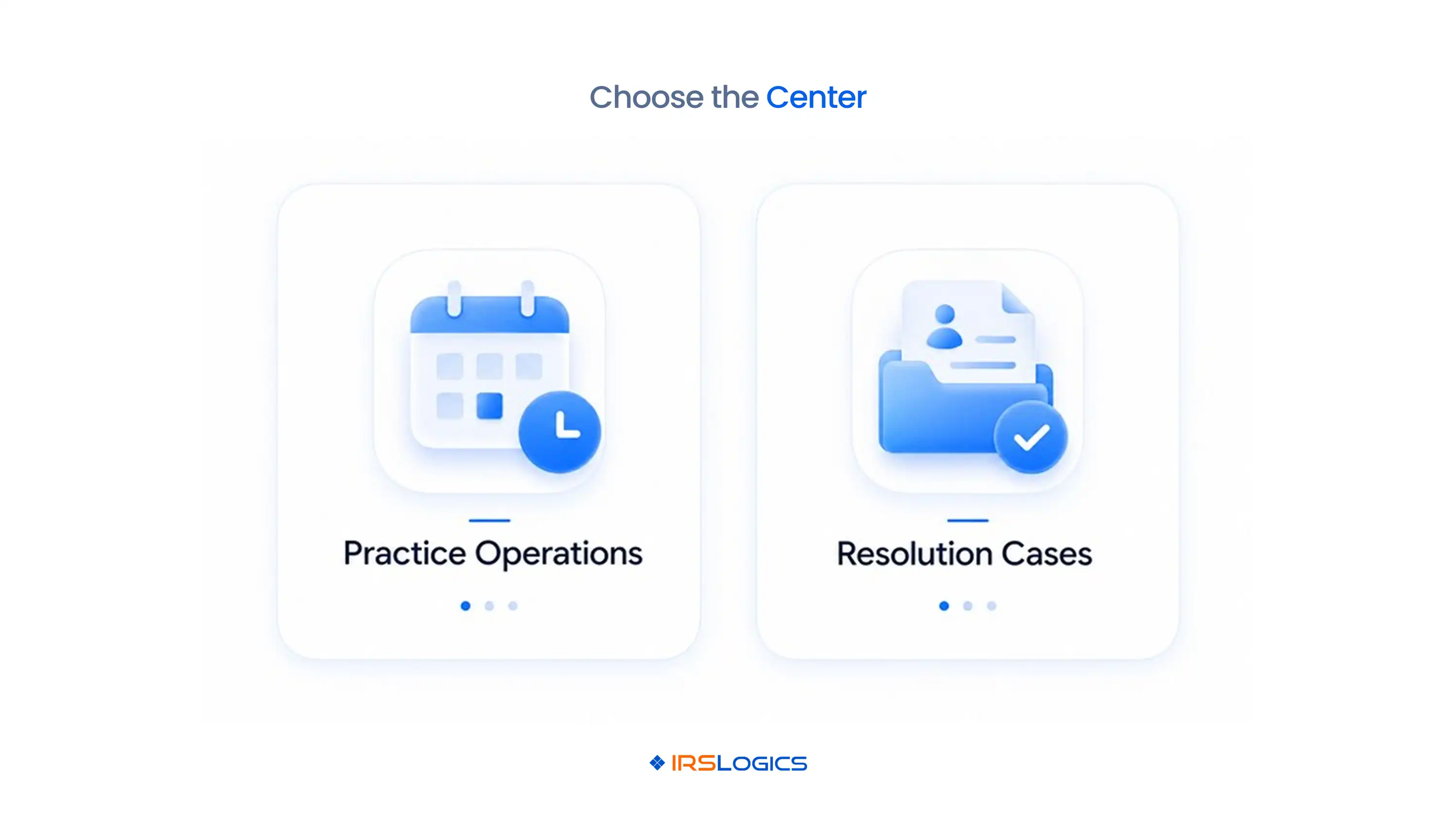
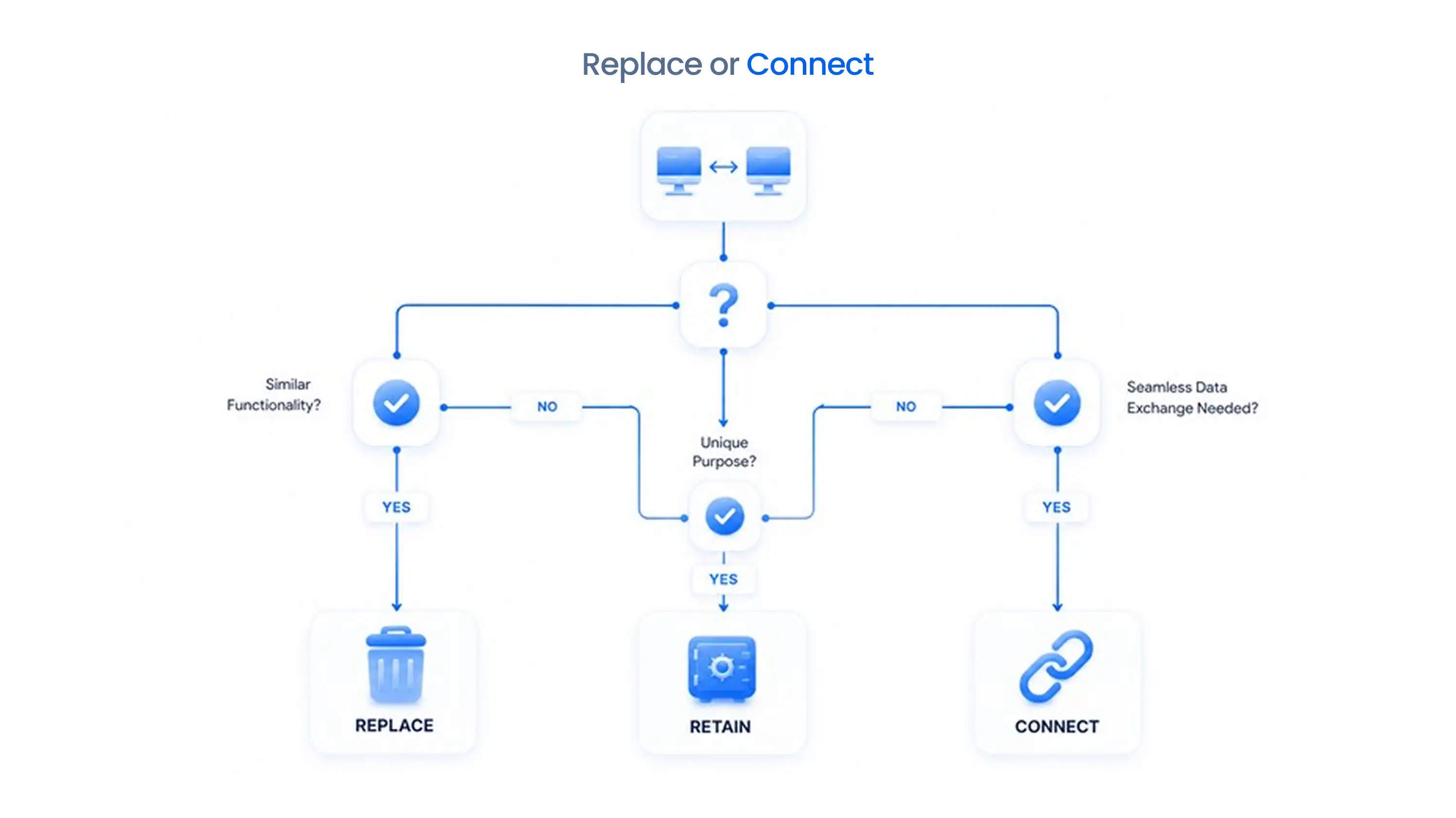
Replacement is not automatically the best answer. Choose one system when its workflow depth covers the firm’s dominant service model, and use two only when responsibilities are explicit. A resolution-only firm may prefer a purpose-built case platform as its operating center. A broad accounting practice with a smaller controversy service may keep firm-wide practice management and add a resolution layer.
A two-system model needs a short ownership policy. Decide where client identity, documents, tasks, billing, communication, authorizations, transcripts, and case notes live. Then define which events pass between platforms. Avoid copying entire records in both directions because duplicated notes and deadlines eventually disagree.
The most practical dividing line is often engagement versus matter. The practice platform can own firm-level relationships, recurring services, and capacity. IRSLogics can own the active resolution case from intake through closure. The comparison between practice management and resolution software provides a fuller model for that split.
Migration risk comes from unclear records, permissions, and cutover responsibility. A successful move is a controlled case transition, not a bulk file transfer. Inventory active cases first, then classify data by legal, operational, and retention value.
Plan for these common failures:
Run a small pilot with closed, simple, and complex matters. Reconcile counts and balances before the next batch. Keep the old system read-only for an approved transition period, and document which system becomes authoritative at cutover. Do not promise a migration timeline until the source data and integration limits have been inspected.
Use the same case, script, and scoring rules for every vendor. A fair evaluation measures observed workflow, not sales language. Score each checkpoint as native, configured, integrated, manual, or unavailable. Record the evidence shown and every follow-up item.
Include five decision dimensions:
For resolution-heavy firms, compare results against the IRSLogics buyer’s guide. Then select the platform that completes the case with the fewest unsupported handoffs. A primary call to action is appropriate here: book a workflow-based IRSLogics demo and bring the same script you will use with every alternative.
Yes, for firms evaluating a resolution-focused operating platform. IRSLogics and TaxDome overlap in CRM, workflow, documents, communication, billing, and reporting, but their published product focus differs.
Yes. TaxDome’s current official help center documents a direct connection to the IRS Transcript Delivery System for requesting and managing client transcripts.
TaxDome is positioned as broad accounting practice management, while IRSLogics is positioned around tax resolution case operations for CPAs, enrolled agents, tax attorneys, and resolution firms.
Yes, provided the firm assigns authoritative ownership for clients, documents, tasks, billing, communication, authorizations, transcripts, and case notes and limits duplicate entry.
No. Software does not eliminate IRS authorization or practitioner eligibility requirements for TDS access.
The better fit depends on the dominant work. A broad preparation, bookkeeping, and advisory firm may favor practice management, while a resolution-heavy firm should place more weight on case-specific depth.
Ask about current plans, required users, seasonal seats, modules, storage, signatures, messages, payments, integrations, implementation, training, support, renewal terms, and data export.
Run the same de-identified resolution case through every product from lead intake to authorization, transcripts, financial collection, forms, deadlines, billing, manager review, and closure.
Begin by correcting the comparison itself. TaxDome now documents direct IRS transcript access, so the decision cannot rest on an outdated feature absence. Map your firm’s dominant work, identify the records that need a resolution-specific home, and test the complete case chain in each platform.
If IRS resolution is a central service line, bring a real workflow script to an IRSLogics demo. Judge the result by case depth, handoffs, data control, security, current cost, and the daily view your staff will actually use.
All
Tax Software
Workflow & Automation
Industry News
Resolution Tips
Tax Resolution Marketing

Lorem ipsum dolor sit amet, consectetur adipiscing elit. Suspendisse varius enim in eros elementum tristique. Duis cursus, mi quis viverra ornare, eros dolor interdum nulla, ut commodo diam libero vitae erat. Aenean faucibus nibh et justo cursus id rutrum lorem imperdiet. Nunc ut sem vitae risus tristique posuere.


Share this article directly by email. Simply enter the recipient’s details below.

Article has been send to you.