Tax Software


There’s a specific kind of billing stress that hits when a client says, “I already paid,” and the team’s next question is… “Paid what, exactly?”
In tax resolution, that confusion shows up a lot. Payment plans, milestone billing, multiple invoices, partial payments, and last-minute changes can turn a simple ledger into a guessing game.
IRSLogics solves a big part of that problem with a feature that links payments to the invoices they belong to, so it’s always clear what’s paid, what’s partially paid, and what’s still open. IRSLogics already positions billing and payment plans as part of the core platform, alongside casework and client management.
The issue usually is not that payments are missing. The issue is that payments are not clearly applied.
Here’s how it happens in real life:
Accounts receivable best practices often call this out as “cash application” or “payment allocation,” meaning recording a payment against specific open invoices to keep balances accurate.
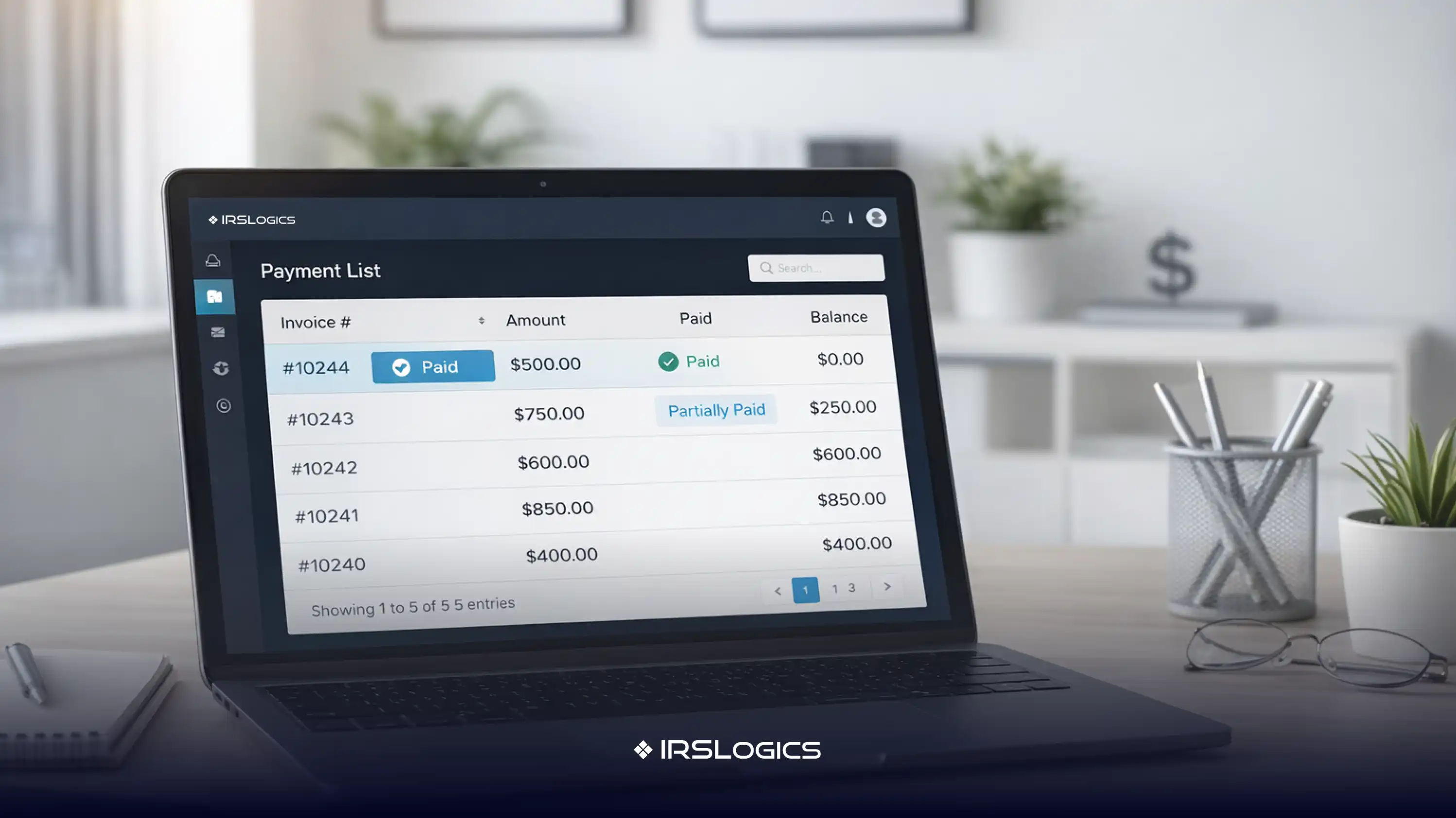
Tying payments to invoices simply means this:
Every payment is applied to a specific invoice balance, rather than living as a floating transaction with no clear target.
That matters because it directly impacts reconciliation. For example, Stripe notes that matching payments to corresponding invoices simplifies reconciliation in accounting workflows.
It also impacts reporting accuracy. Billing and time-tracking platforms often emphasize that properly allocating payments to invoices makes financial reporting clearer and more reliable.
IRSLogics includes billing features for invoicing, payment schedules, and visibility into payment history.
The “tying payments to invoices” workflow is especially useful when a client is on a schedule.
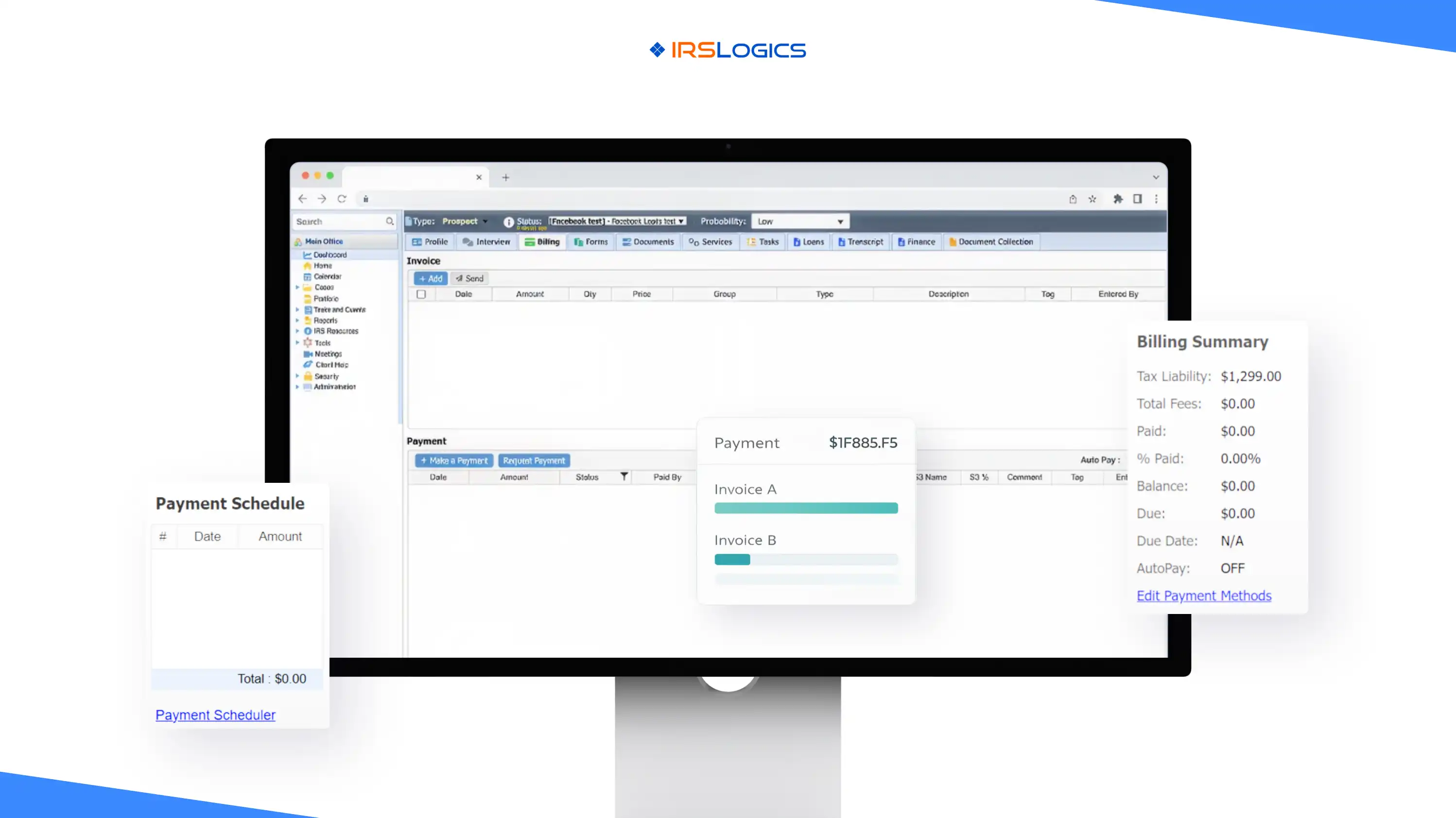
Based on the Payment Scheduler view shown in the feature screenshot, IRSLogics supports mapping invoices to a scheduled payment amount:
The screen layout reinforces the purpose:
That means when a scheduled charge runs, the team can see exactly which invoice balance it was meant to reduce.
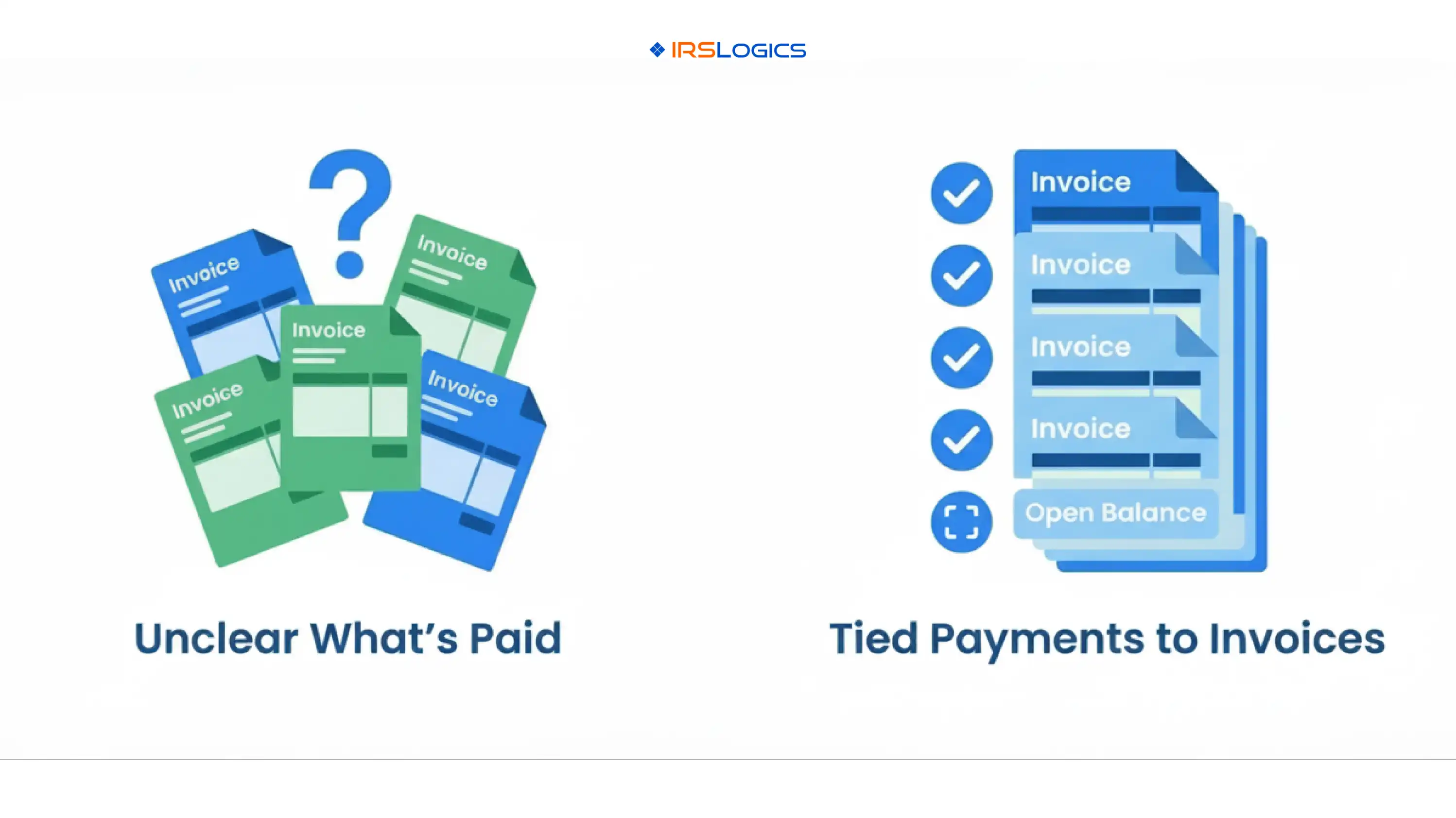
Here’s a common scenario.
A client has three invoices:
The client pays twice in the same month, and the payments are recorded, but not applied to invoices.
Now the firm tries to answer a simple question:
Which invoice is unpaid?
Without invoice-level mapping, the team can end up:
With invoice mapping, the answer is immediate:
That makes follow-up clean and specific, which also makes clients more cooperative because the request feels fair and factual.
When payments are linked to invoices, reconciliation becomes simpler because each payment has a clear destination. This matches the broader invoicing best practice of matching payments to invoices to reduce reconciliation effort.
Allocated payments produce clearer revenue and outstanding balance reporting. Payment allocation tools commonly highlight reporting accuracy as a direct benefit.
Accounts receivable guidance often emphasizes reducing confusion by improving visibility into outstanding invoices and making it easy for clients to pay the correct balance.
When the team knows exactly what’s unpaid, messages can be specific:
“Invoice INV-16065 has $1,333.33 remaining.”
That is far better than:
“Your account shows a balance.”
IRSLogics highlights payment schedules and payment history in the billing feature set.
When invoice mapping is layered on top, payment plans feel structured rather than vague.
Use invoice labels that match what the client remembers, such as:
If clients often split payments, define a simple rule:
If invoices are milestone-based, schedule payments around the milestones, then map those payments to the milestone invoices.
AR best-practice content consistently emphasizes routine reviews to prevent overdue balances from quietly growing.
It means applying each payment to a specific invoice balance, rather than recording payments without a clear invoice connection. This is often described as payment allocation.
Because “something” is not the same as “this invoice.” Without invoice-level mapping, teams can’t reliably identify what’s still open, especially with multiple invoices and partial payments.
Yes. Payment allocation workflows commonly allow splitting one payment across multiple invoices, which is helpful when clients pay a lump sum against multiple balances.
Matching payments to invoices reduces manual reconciliation work and makes it easier to understand what each payment was for.
IRSLogics states that the platform supports invoices, payment schedules, and a complete payment history for each client.
If a firm can’t quickly answer “which invoice is unpaid,” billing becomes reactive. The team spends time investigating instead of moving cases forward.
Tying payments to invoices in IRSLogics makes billing clear and calm. Payments are connected to the invoices they belong to, scheduled charges can be mapped to open balances, and the full payment history stays easy to interpret. IRSLogics positions this billing structure, along with payment schedules and visibility into payment history, as part of a comprehensive tax resolution operating platform.
Key Takeaways:
All
Tax Software
Workflow & Automation
Industry News
Resolution Tips
Tax Resolution Marketing

Lorem ipsum dolor sit amet, consectetur adipiscing elit. Suspendisse varius enim in eros elementum tristique. Duis cursus, mi quis viverra ornare, eros dolor interdum nulla, ut commodo diam libero vitae erat. Aenean faucibus nibh et justo cursus id rutrum lorem imperdiet. Nunc ut sem vitae risus tristique posuere.


Share this article directly by email. Simply enter the recipient’s details below.

Article has been send to you.