Tax Software


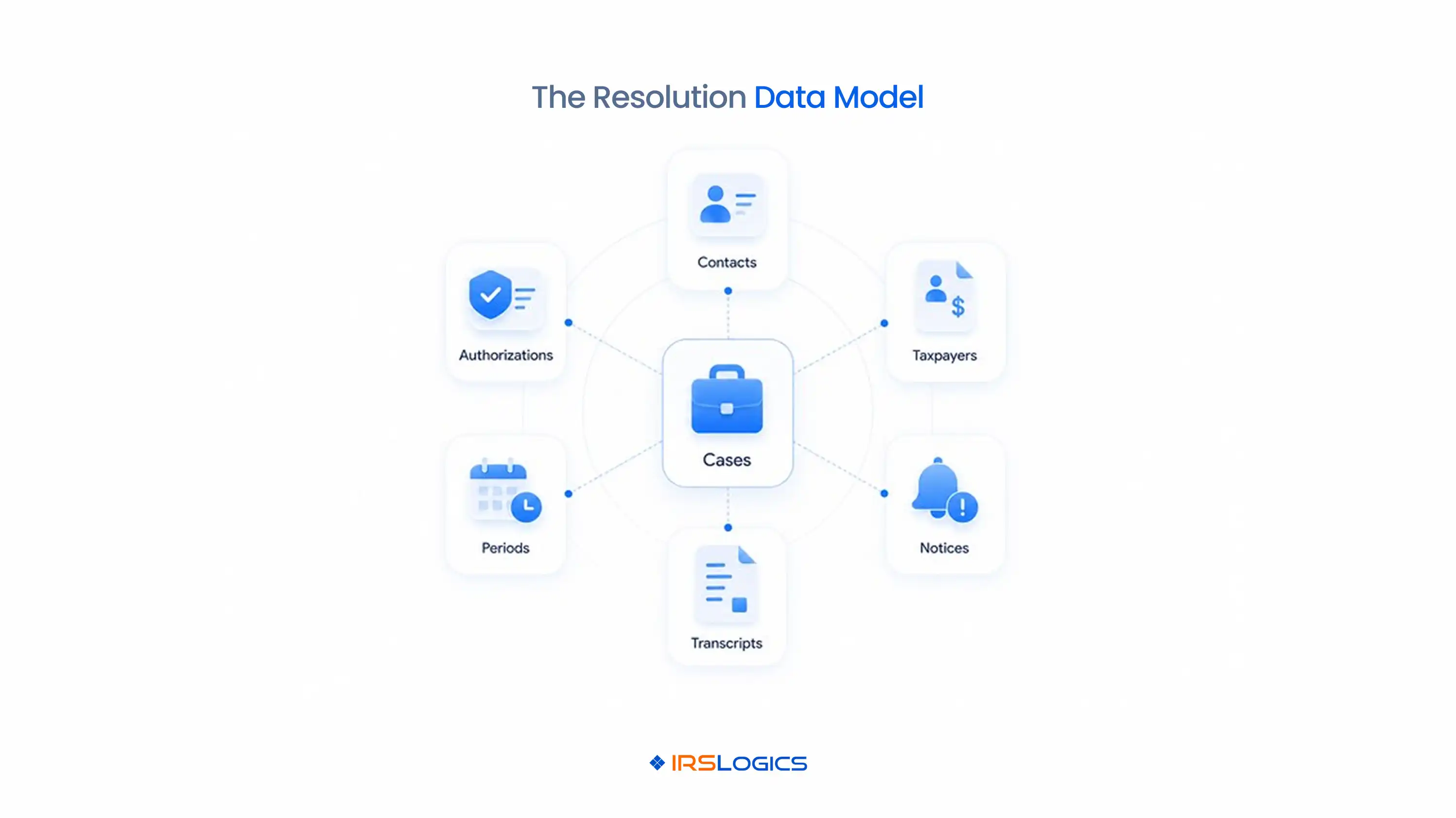
A tax firm can have complete contact records and still lose the relationships that matter to an IRS case. One person may be a spouse, business owner, responsible individual, and representative contact across several matters and tax periods. A tax business CRM system should separate people, entities, authorizations, tax periods, notices, transcripts, and cases, then connect them without creating duplicate client records. That structure improves intake, case ownership, reporting, and follow-up.
A tax business CRM system should store distinct records for identity, relationships, authority, evidence, work, and money. The data model should reflect the real objects the firm manages. Contacts hold people and communication details. Taxpayers may be individuals or entities. Households connect spouses or dependants. Businesses connect owners and responsible individuals. Cases hold the work for a defined problem. Authorizations, transcripts, notices, documents, tasks, messages, and invoices connect to the relevant taxpayer and case.
This differs from a simple sales CRM, where a person, company, and deal may be enough. IRS resolution work depends on tax forms and periods, changing authority, government records, procedural dates, and related entities. IRSLogics combines tax resolution CRM and case-management functions so firms can keep those records connected rather than forcing every relationship into one contact card.
A contact identifies a person or communication point, while a taxpayer identifies the subject of the tax record and a case identifies the work. Combining all three creates false one-to-one relationships. A business may have several contacts. A person may have individual and business tax matters. A married couple may share a household but require separate authorizations or case treatment.
Keep communication preferences on the contact. Keep taxpayer identifiers and entity type on the taxpayer record. Keep the problem, periods, assignments, deadlines, documents, strategy, and billing context on the case.
This separation allows a firm to update a phone number once without merging unrelated matters. It also lets managers report case volume by taxpayer type, resolution path, owner, or office without counting every related contact as a separate client. The firm’s tax CRM workflow should preserve those relationships throughout intake and case delivery.
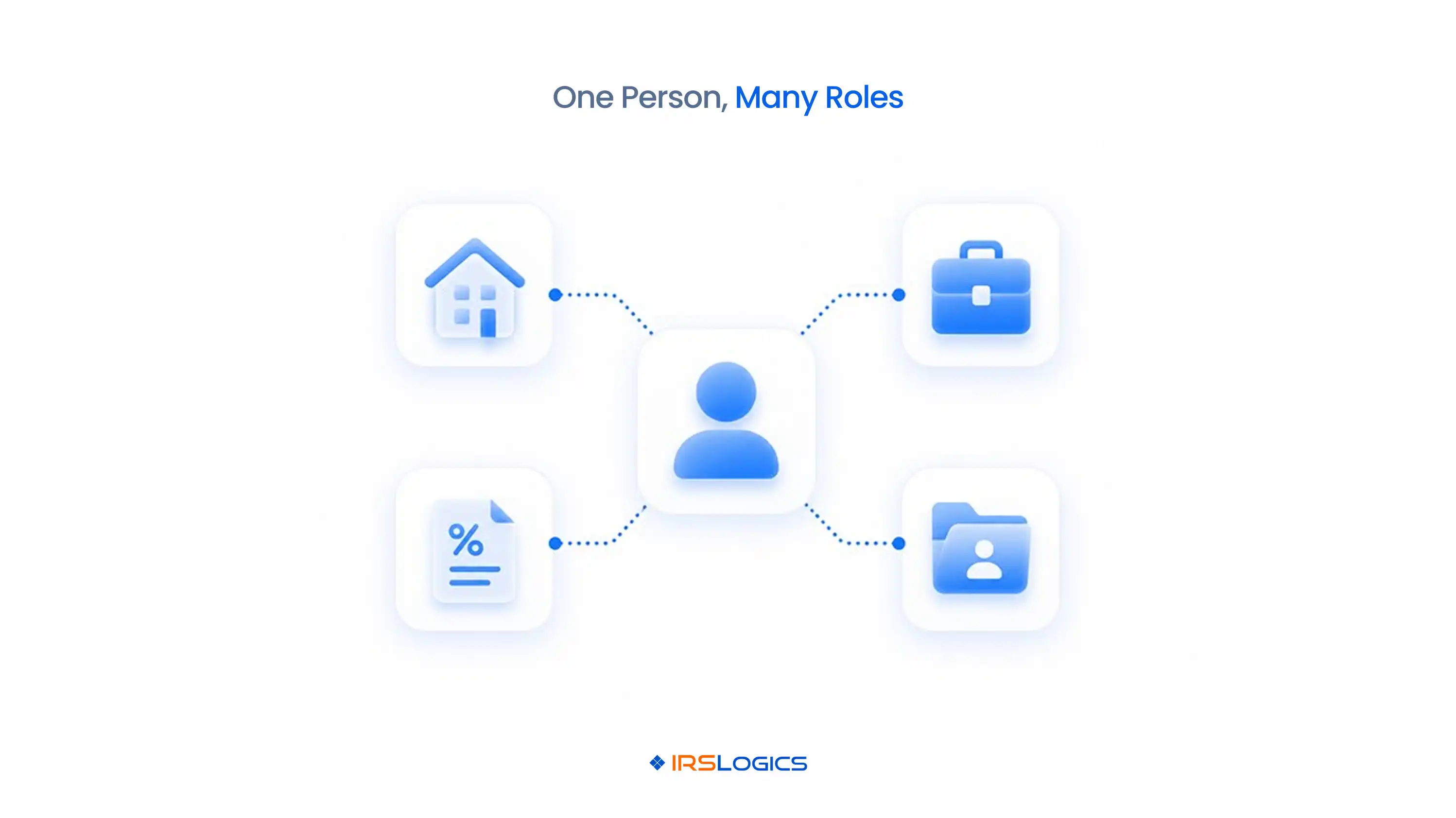
Households and businesses should use explicit relationship records. A relationship needs a role, effective dates, and a source. Examples include spouse, dependent, owner, officer, payroll contact, responsible individual, bookkeeper, or authorized recipient.
Do not rely on a note saying “client owns ABC LLC.” Notes are difficult to validate, filter, update, and use in workflow rules. A structured relationship can show that the person owns one entity, manages another, and is the communication contact for a third without combining the entities.
For joint matters, link both spouses to the household and relevant case while preserving individual identity and authority. For business matters, connect owners and responsible individuals to the entity and case. When a relationship ends, record an end date instead of deleting its history. That approach protects reporting and explains why a person previously received communication or held responsibility.
Authorization deserves a separate record because its scope can differ from the case. Store the form, taxpayer, representative or appointee, tax matters, periods, signature status, submission status, acceptance, and superseded relationship. Do not reduce it to a PDF attachment and a yes-or-no field.
Form 8821 authorizes access to specified tax information but does not appoint a representative to practice before the IRS. Form 2848 covers representation for stated matters. The CRM should show which authority applies before it enables transcript, contact, or case tasks.
Tax periods should also be structured. A calendar year, quarter, tax form, filing status, assessment, and transcript availability may vary within the same case. Connecting every notice and transcript to the relevant period prevents a general “2019 to 2023” note from hiding which forms and quarters are actually in scope.
Transcripts and notices should remain source records that create review and response tasks. They should not be converted directly into unreviewed conclusions. Store the transcript product, taxpayer, form, period, request date, receipt date, reviewer, review status, and resulting work.
The IRS Transcript Delivery System provides eligible professionals access to several transcript products when appropriate authorization is on file. A CRM workflow should connect the request and result to the authorization and period that support access.
For notices, preserve the source document, notice type, issue date, received date, taxpayer, periods, response instructions, verified deadline, and assigned owner. The reviewer can then create or approve the case action. IRSLogics supports documents, transcripts, tasks, forms, and client history within the resolution record, which reduces the need to reconstruct context from separate tools.
Move only lead information that remains useful after engagement. Qualification history should support the client record without becoming permanent clutter. Useful fields may include lead source, service need, entity type, estimated issue type, preferred contact method, scheduled consultation, conflict status, and responsible salesperson.
Do not copy every marketing field into the case. Campaign parameters, call scripts, temporary scores, and repeated form submissions may belong in acquisition reporting rather than professional work. Define a conversion map showing which values transfer, which become relationships, and which remain in the lead history.
At conversion, require an identity review. Search for existing contacts, taxpayers, businesses, and households before creating new records. If a match exists, connect the new case or engagement to the existing identity. IRSLogics’ lead and deal management functions can be evaluated against this conversion rule.
Duplicate records split communication, authority, documents, work, and reporting. The most dangerous duplicate is not always an identical contact. It may be the same taxpayer under two spellings, a business entered under a trade name and legal name, or a spouse created as an unrelated client.
Common failures include sending a request to an old address, retrieving transcripts under one record while the case lives under another, missing a related entity during intake, assigning two users to the same notice, and reporting one household as several unrelated clients.
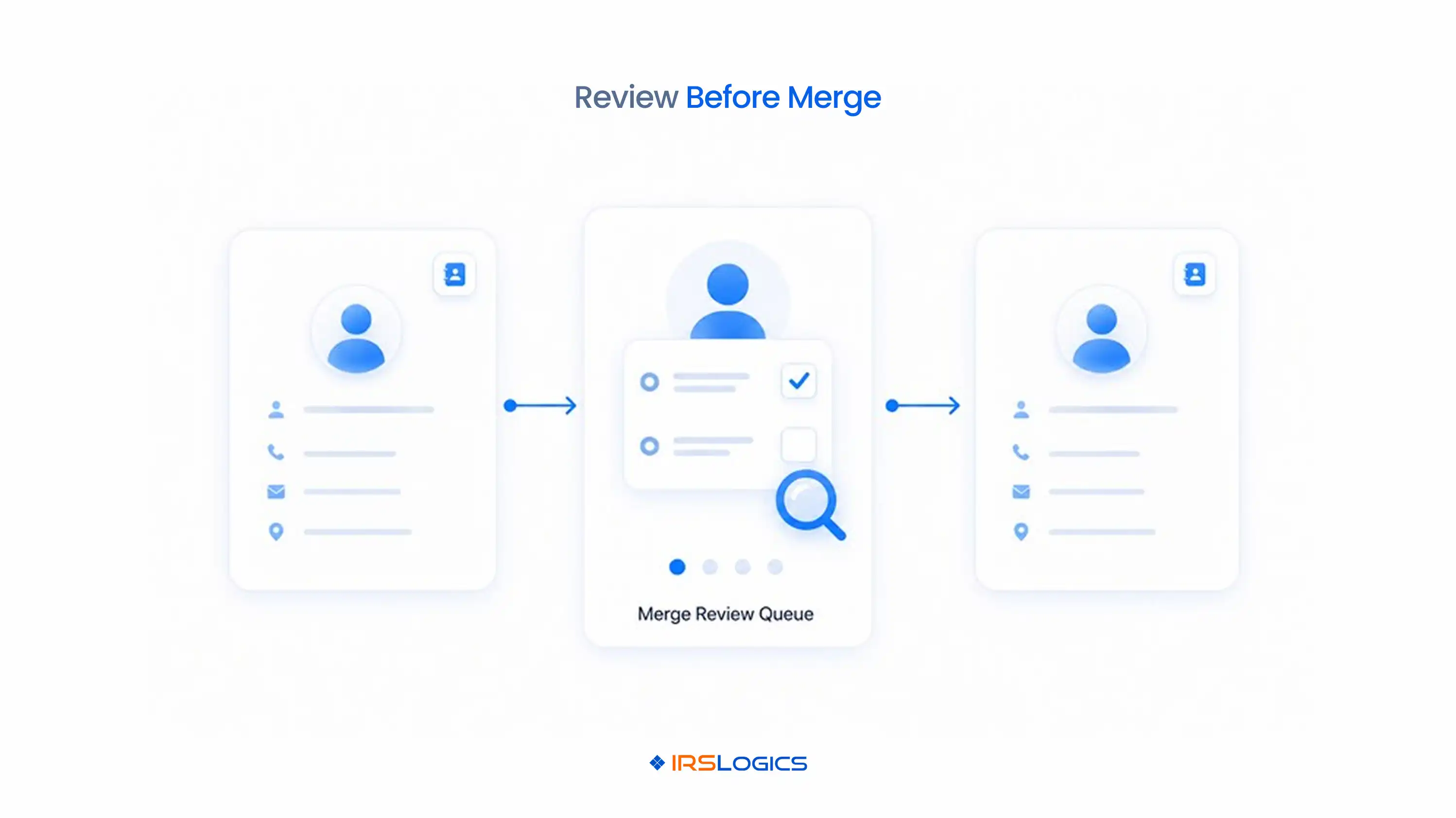
Use match rules carefully. Names, phone numbers, and email addresses can change or be shared. Taxpayer identifiers are sensitive and need controlled handling. A suspected match should enter a review queue rather than merge automatically. Preserve the source records and merger history so the firm can undo an incorrect decision.
Inventory identities and relationships before moving data. Migration should preserve meaning, not only columns. A flat spreadsheet may contain several record types inside one row, so mapping it directly into a new CRM can reproduce the old confusion.
Use a representative household, business, and multi-period case during evaluation. Firms can request an IRSLogics demonstration and pricing review to test the proposed data model before a full migration.
A tax business CRM system manages leads, contacts, clients, relationships, cases, communication, documents, tasks, billing, and reporting for a tax firm.
A tax resolution CRM adds records and workflows for authorizations, tax periods, transcripts, notices, financial forms, resolution stages, and practitioner review.
No. Each person should retain a distinct identity, while the CRM connects them through a household, joint matter, and applicable authorizations.
No. The business and owner should be separate taxpayers or entities connected by a structured ownership or responsible-individual relationship.
Tax periods should be structured records connected to the taxpayer, authorization, transcripts, notices, and case rather than buried in notes.
It should store each authorization as a separate record with its form type, taxpayer, representative or appointee, matters, periods, signatures, submission, and acceptance status.
Automatic matching can flag possible duplicates, but a controlled human review should confirm the identity and relationships before records are merged.
Test record counts, relationships, permissions, search, case ownership, authorization scope, document links, reports, billing balances, and historical attribution.
Design the records before selecting fields. Start with people, taxpayers, entities, relationships, authorizations, periods, cases, source documents, work, and billing. Then decide which system owns each record and how conversions and mergers are approved.
A well-structured tax business CRM system reduces duplicate work because it preserves relationships the team can search, report, and use in workflows. Test the model with one complicated household and business case before migrating the full database.
All
Tax Software
Workflow & Automation
Industry News
Resolution Tips
Tax Resolution Marketing

Lorem ipsum dolor sit amet, consectetur adipiscing elit. Suspendisse varius enim in eros elementum tristique. Duis cursus, mi quis viverra ornare, eros dolor interdum nulla, ut commodo diam libero vitae erat. Aenean faucibus nibh et justo cursus id rutrum lorem imperdiet. Nunc ut sem vitae risus tristique posuere.


Share this article directly by email. Simply enter the recipient’s details below.

Article has been send to you.