Tax Software


The tool you choose to run IRS cases is not just “software.” It becomes your filing cabinet, your task manager, your billing system, and your security perimeter.
That is why the cloud vs desktop decision matters more in tax resolution than in most industries. You are handling sensitive taxpayer data, deadlines, notices, transcripts, authorizations, and ongoing case activity that can stretch for months. The wrong setup creates friction, risk, and scaling limits you feel every day.
Before you compare options, it helps to define what you are actually buying.
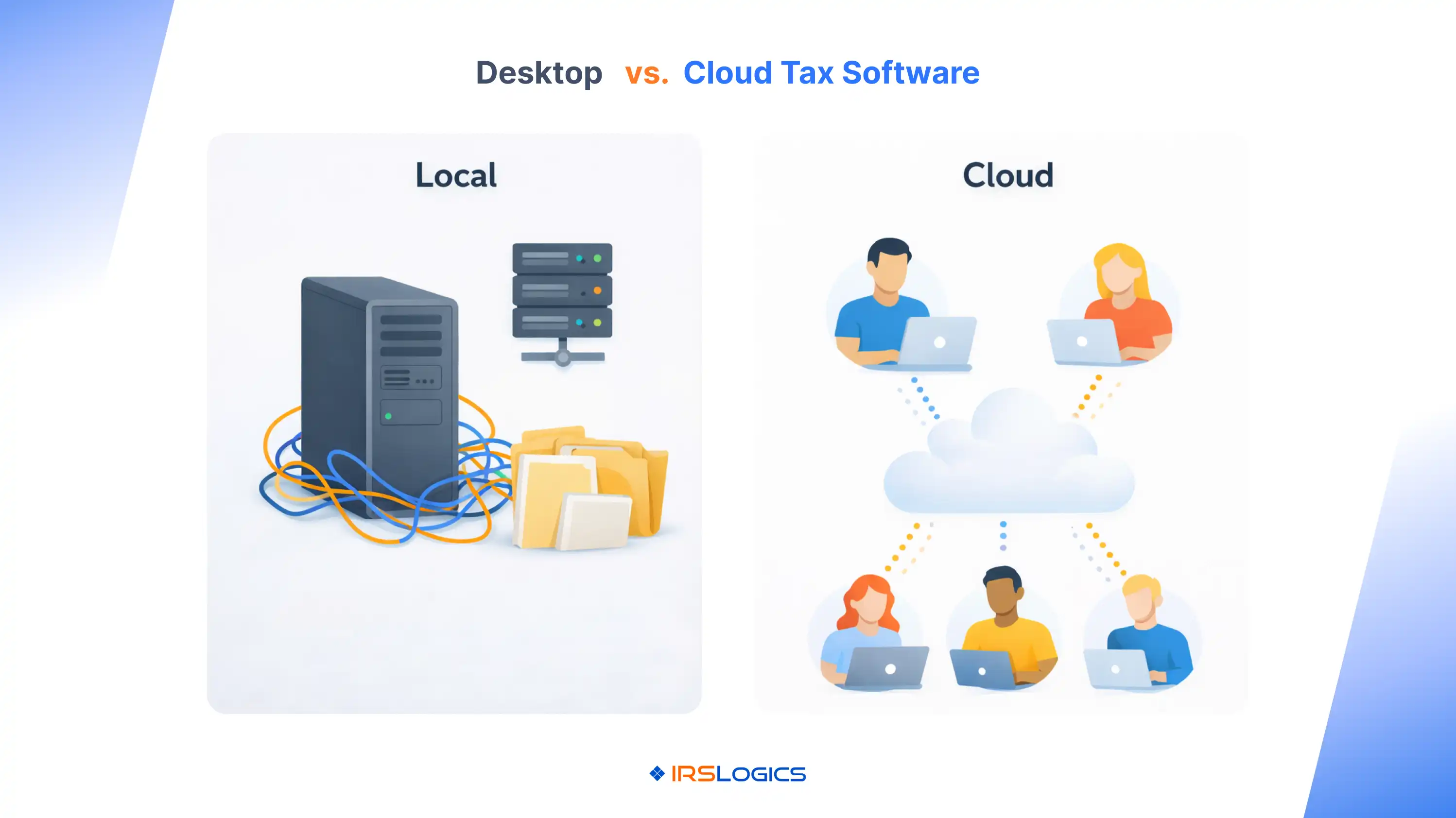
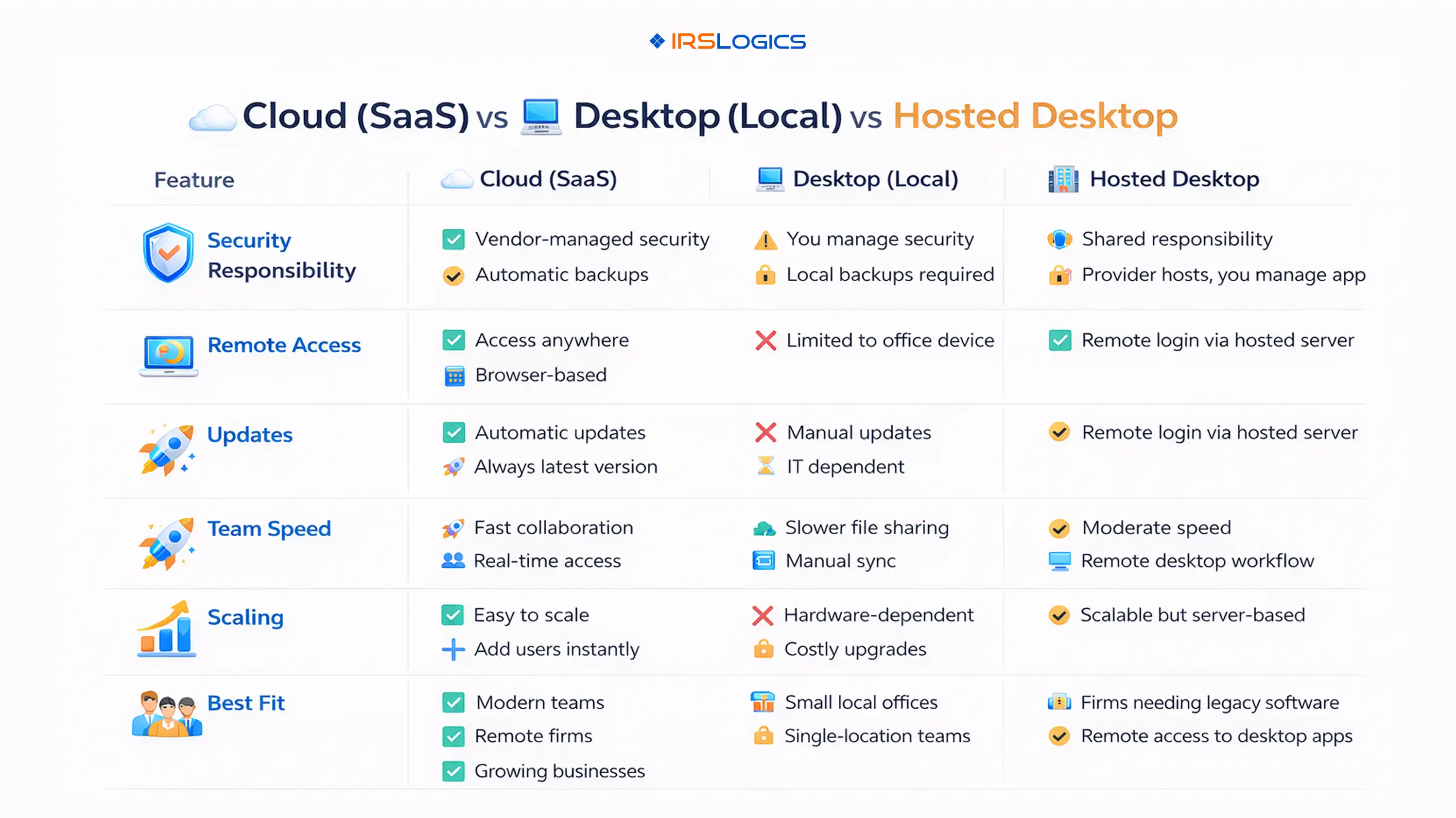
Cloud Tax Resolution Software (True SaaS)
You log in through a browser. The vendor runs the servers, updates, backups, and core security controls. IRSLogics, for example, is positioned as a cloud-based platform with no local installation required.
Desktop Tax Resolution Software (Local Install)
Software runs on a specific computer or an in-office server. Your firm is responsible for patching, backups, access controls, and disaster recovery.
Hosted Desktop (Desktop Software “In The Cloud”)
This is still desktop software, but it runs on a remote server you access via remote desktop or a hosting provider. Many tax vendors acknowledge this model as a way to “take desktop to the cloud.”
These three models can look similar to users, but they behave very differently for security, speed, and scaling.
Security is not a marketing claim. For tax firms, it is an obligation.
IRS Publication 4557 is clear that protecting taxpayer data is the law and ties this directly to the FTC Safeguards Rule, including the expectation that tax preparers create and enact security plans.
The IRS also points tax professionals to Publication 5708 for developing a Written Information Security Plan (WISP), and Publication 5708 explains that tax and accounting professionals are treated as financial institutions under GLBA and the FTC Safeguards Rule, regardless of size.
What this means in practice:
Here is the simplest way to think about it:
Desktop and local-server setups can be secure, but they demand operational discipline. Problems usually show up as:
The IRS specifically emphasizes encryption, MFA, and secure backup practices as basic steps for tax professionals.
Cloud platforms typically centralize controls, but your firm still has to manage:
Many cloud tax products highlight encryption and MFA as standard protections, but you still need to verify which are enabled by default and which you must configure.
Ask every vendor one simple thing:
Show me how your platform helps my firm meet WISP expectations and safeguard controls, and show me what my team is still responsible for.
If they cannot answer clearly, treat it as a red flag.
Speed is not just “cloud is slower because of the internet.”
In tax resolution software, perceived speed comes from:
A desktop can feel fast in a single-user environment with powerful hardware and no remote needs. But as soon as you add:
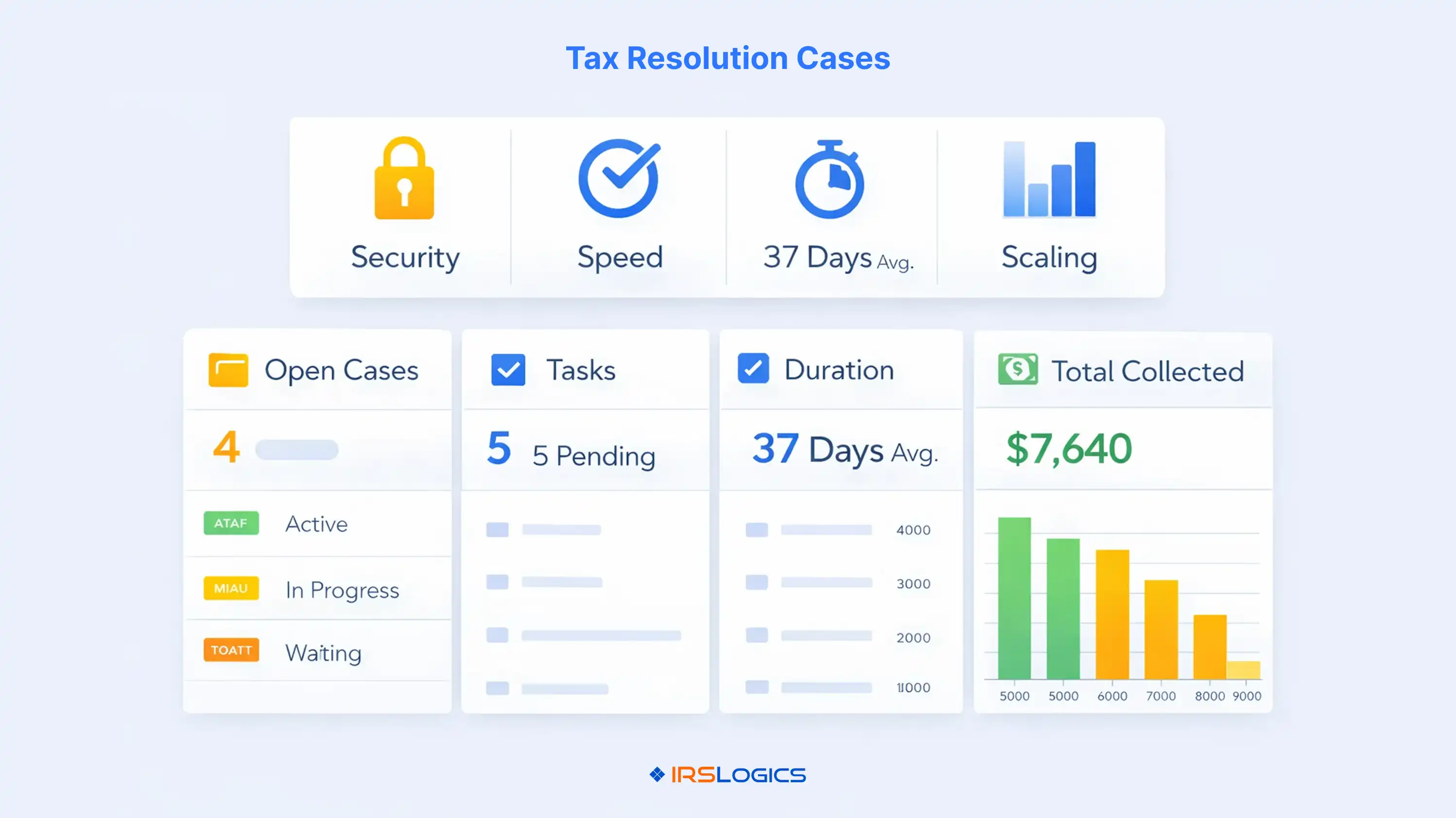
Desktop speed often comes down to “network speed + IT overhead + version chaos.”
Hosted desktop can improve remote access, but it still inherits many desktop constraints, including heavier remote sessions and the need for ongoing environment management.
A practical way to evaluate speed in a demo is to time real tasks:
Scaling is where cloud tax resolution software usually becomes the default choice.
Cloud platforms are designed to:
IRSLogics explicitly positions cloud access as “accessible from anywhere,” with no local installation and control over which devices can log in.
If your firm is trying to grow a resolution practice, you are not only scaling lead volume; you are also scaling the practice. You are scaling delivery, documentation, compliance, and client communication.
Use this checklist to compare cloud tax resolution software, hosted desktop, and local desktop options without getting lost in feature lists.
Security And Compliance
Speed And Workflow
Scaling And Operations
Vendor Trust
Cloud tends to win when you care about:
This is why many modern tax platforms are moving toward cloud-first delivery, often emphasizing secure access, encryption, and collaboration as core benefits.
A desktop can still make sense when:
Even then, the security bar does not get lower. Publication 4557 and Publication 5708 expectations still apply, so you need a real WISP, enforced access controls, encryption, backups, and secure remote access practices.
Cloud tax resolution software is a browser-based platform that runs on vendor-managed infrastructure, so your team can manage IRS cases, documents, workflows, and client communication from anywhere with secure login controls.
It can be, if the vendor provides strong controls and your firm enforces policies like MFA, role-based access, and secure device practices. IRS guidance focuses on safeguards and planning, not a single “approved” deployment model.
Not automatically. Desktop systems often fail in patching, backups, encryption, and remote access practices. The IRS and FTC expectations apply either way.
Hosted desktop runs desktop software on a remote server accessed via remote desktop. True cloud SaaS is built for browsers and typically handles updates, scaling, and access controls more natively.
At minimum: MFA, encryption, role-based access, secure backups, audit trail, and vendor clarity on incident response and data handling.
If you expect more staff, more offices, more case volume, or more remote work, the cloud typically scales with less friction and less IT burden than local desktop environments.
Cloud vs desktop is not a matter of personality preference. It is a business decision that impacts your risk exposure, your day-to-day speed, and how easily you can grow your resolution practice.
If you want to make the right choice, anchor your comparison to what the IRS and FTC actually expect from tax professionals: a real security plan, enforceable safeguards, and accountable vendor management. Then evaluate speed and scaling using real workflows, not abstract promises.
All
Tax Software
Workflow & Automation
Industry News
Resolution Tips
Tax Resolution Marketing

Lorem ipsum dolor sit amet, consectetur adipiscing elit. Suspendisse varius enim in eros elementum tristique. Duis cursus, mi quis viverra ornare, eros dolor interdum nulla, ut commodo diam libero vitae erat. Aenean faucibus nibh et justo cursus id rutrum lorem imperdiet. Nunc ut sem vitae risus tristique posuere.


Share this article directly by email. Simply enter the recipient’s details below.

Article has been send to you.